Usage Example 1
Available inventory on sales document
Section titled “Available inventory on sales document”-
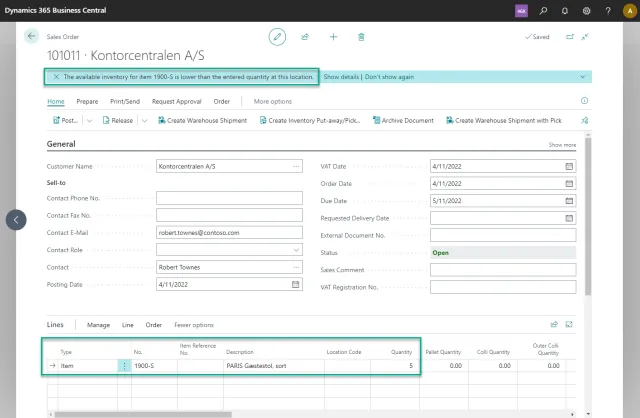
On a sales order, we enter an item and quantity. Then we get a notification stating: “The available inventory for item 1900-S is lower than the entered quantity at this location.”
-
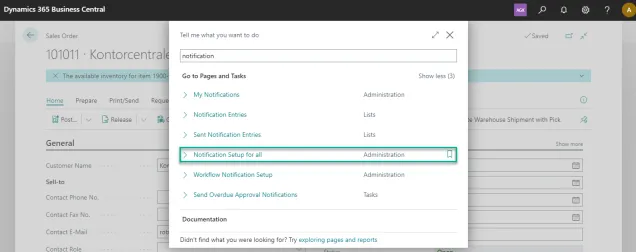
To disable the notification, we open the Notification Setup for all.
-
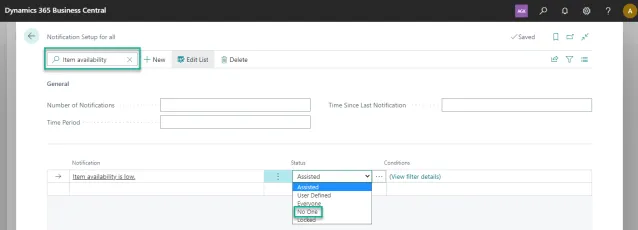
In the Notification Setup for all, we search for Item Availability.
-
We now have the possibility to set a status for this notification. In this example we will choose No One, which will disable the notification for all users.