

Setting Up Categories
-
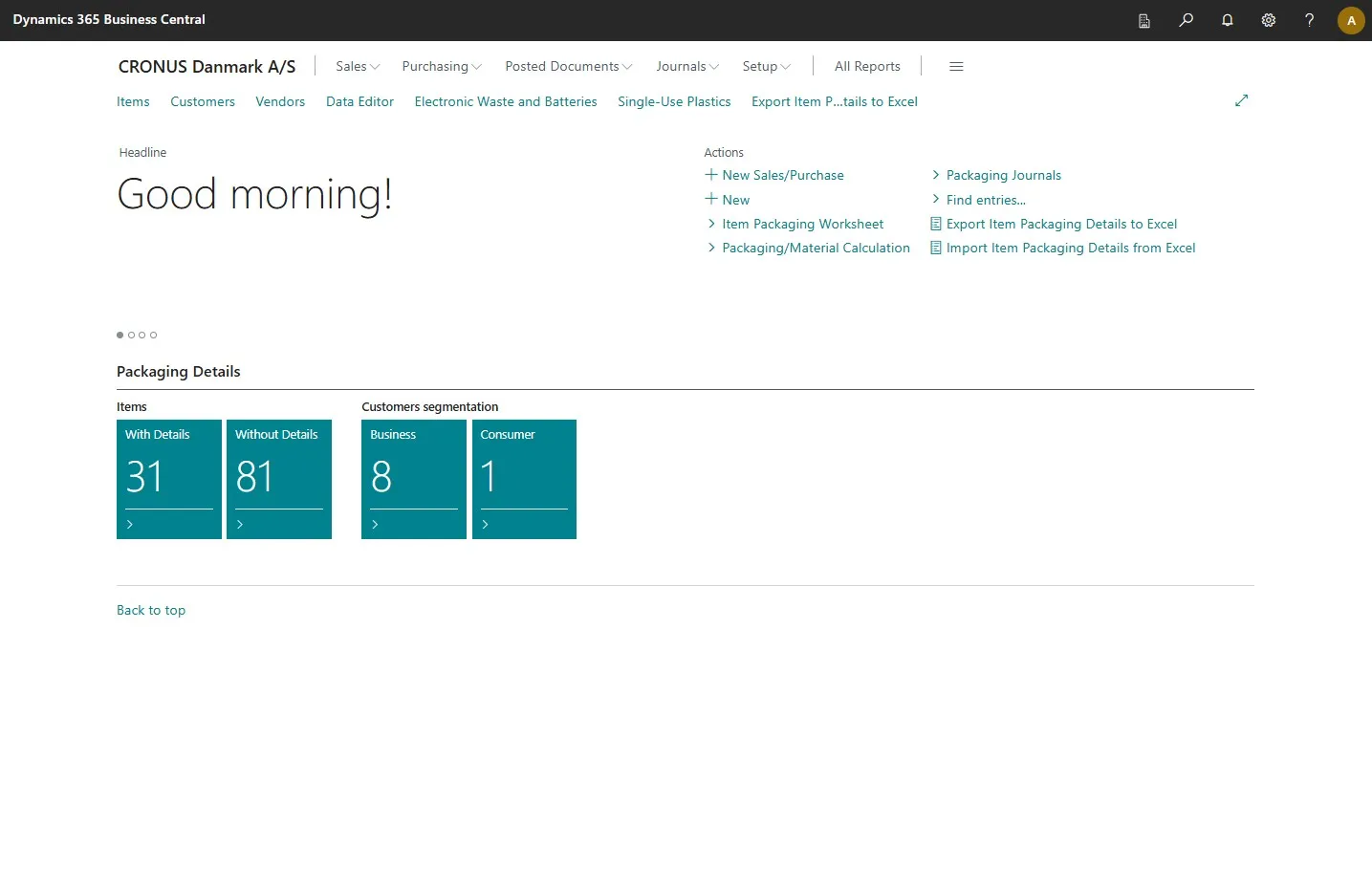
Open your Business Central
-
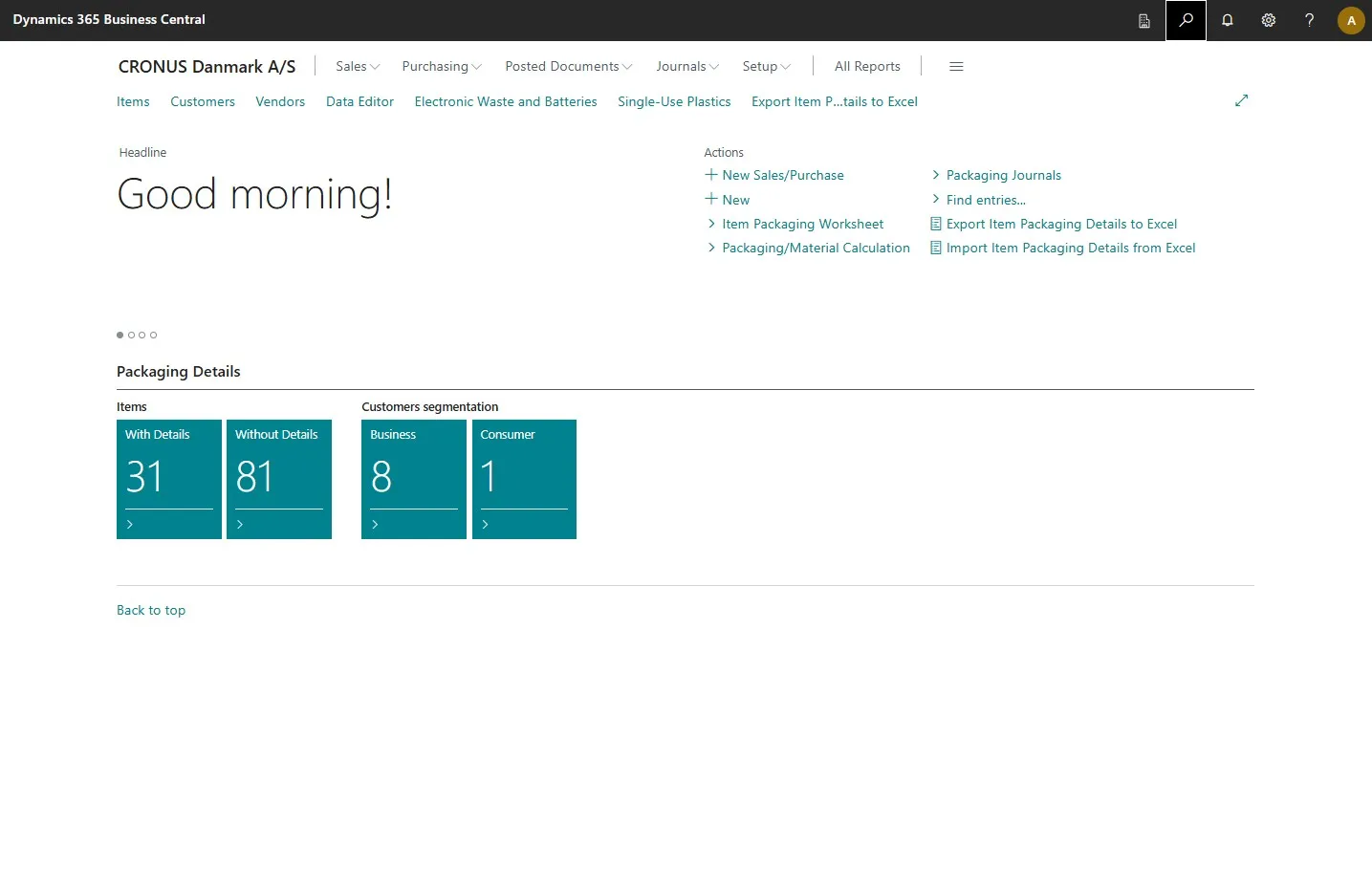
Open the search field by clicking the search icon at the top right corner or by pressing ALT + Q on your keyboard.
-
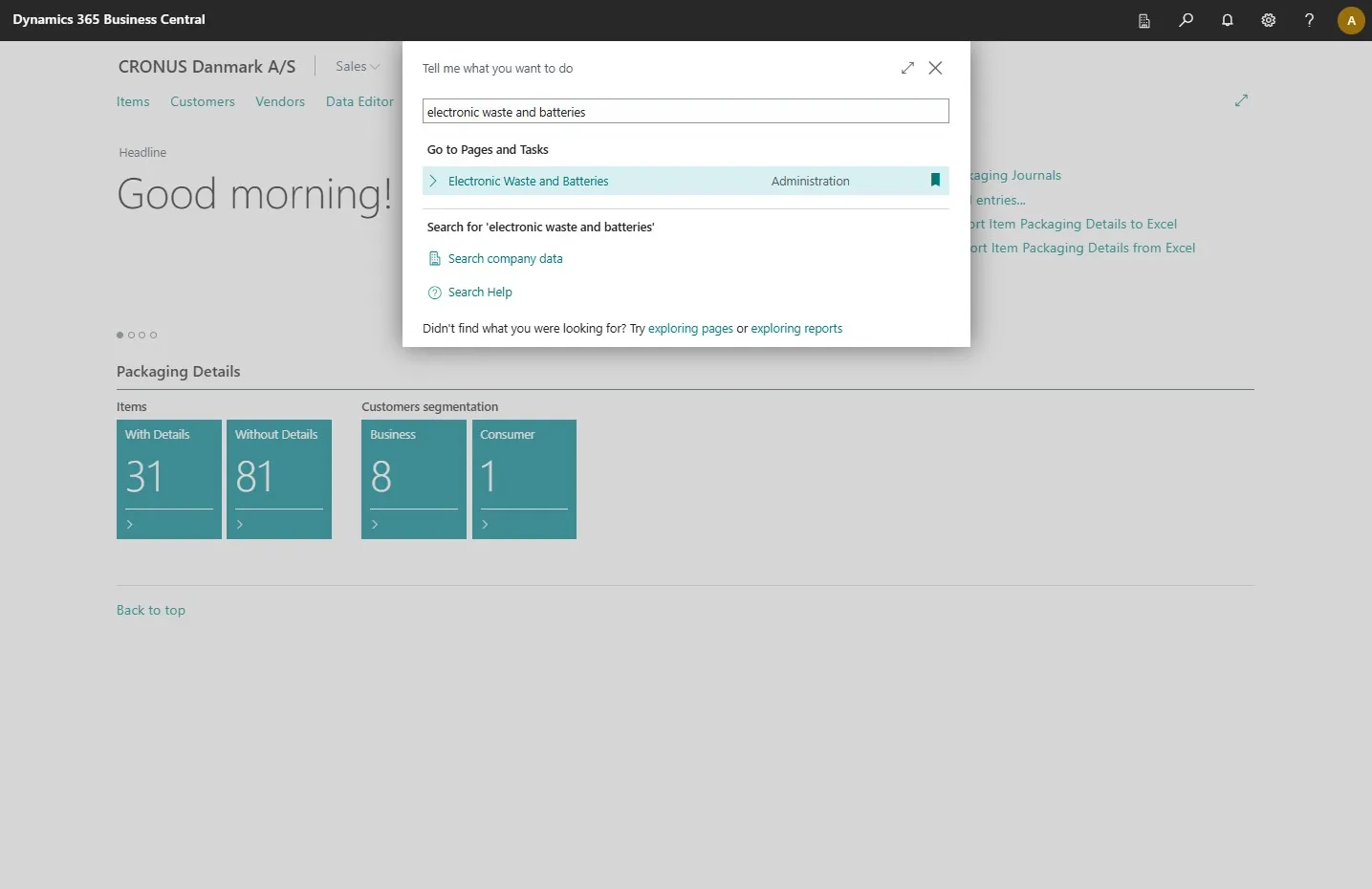
Type in “electronic waste and batteries”.
-
Select the related link.
-
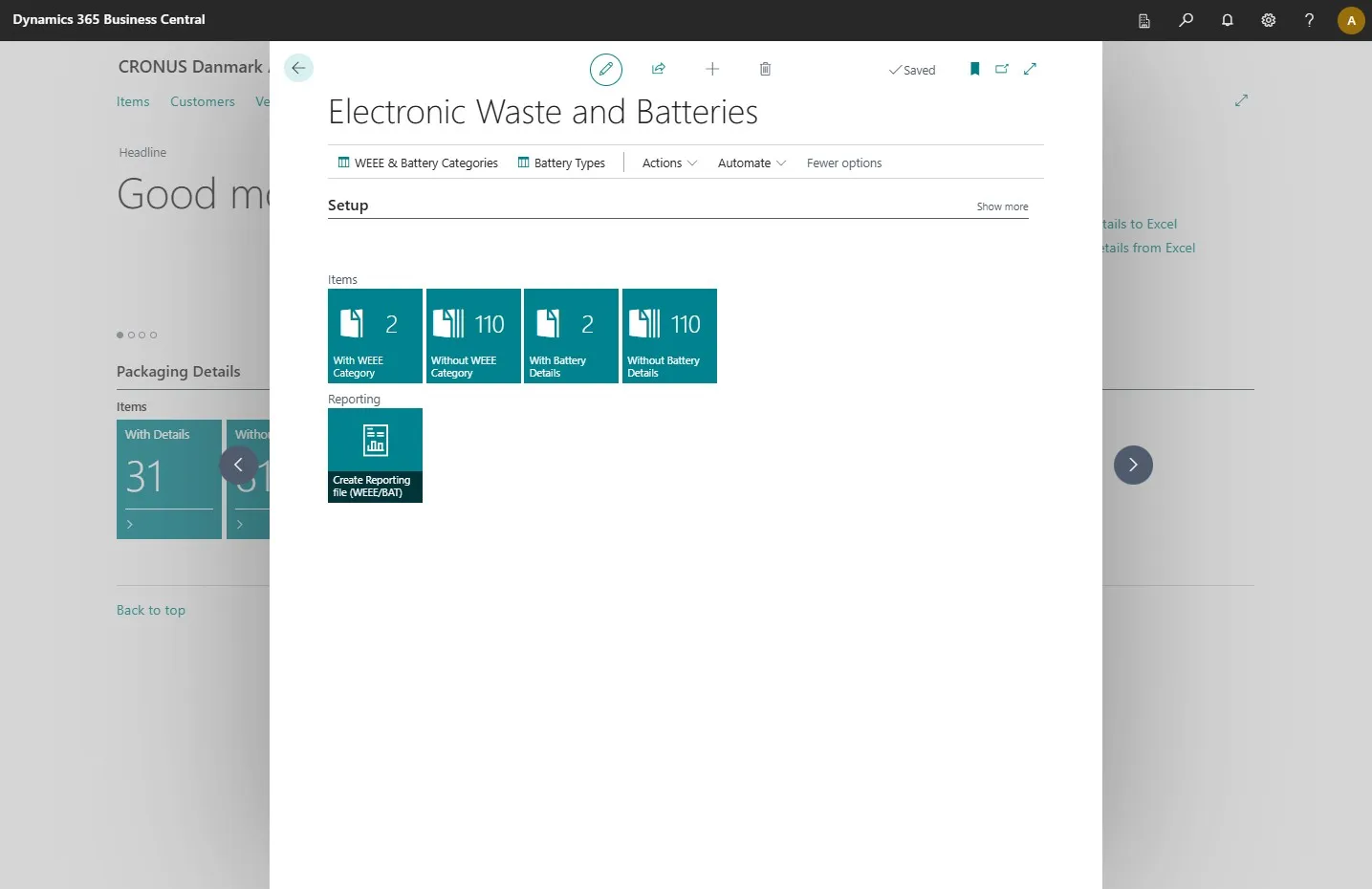
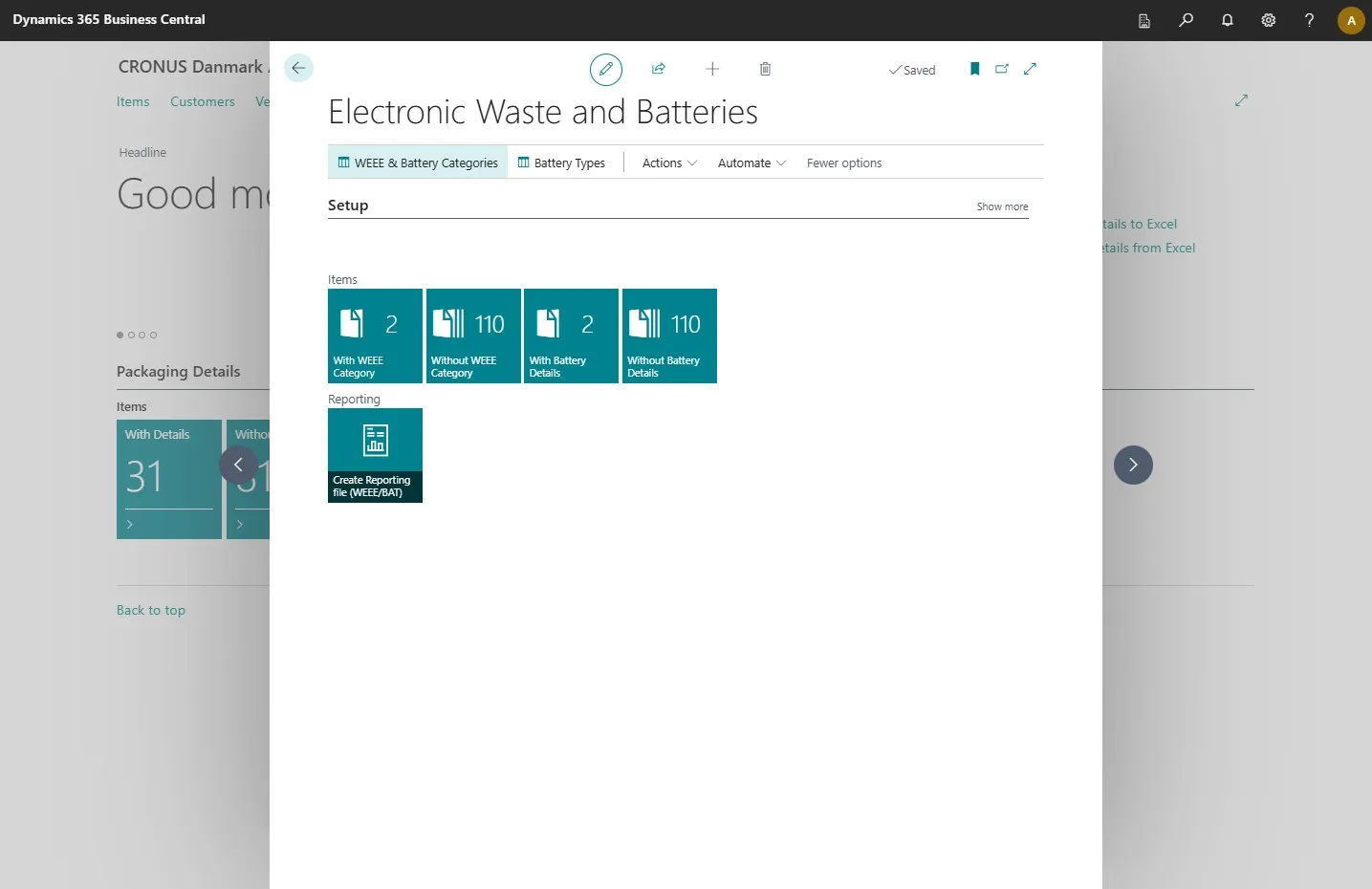
This opens the primary module for this extension.
-
To configure categories for your electronics and batteries, click on “WEEE & Battery Categories”.
-
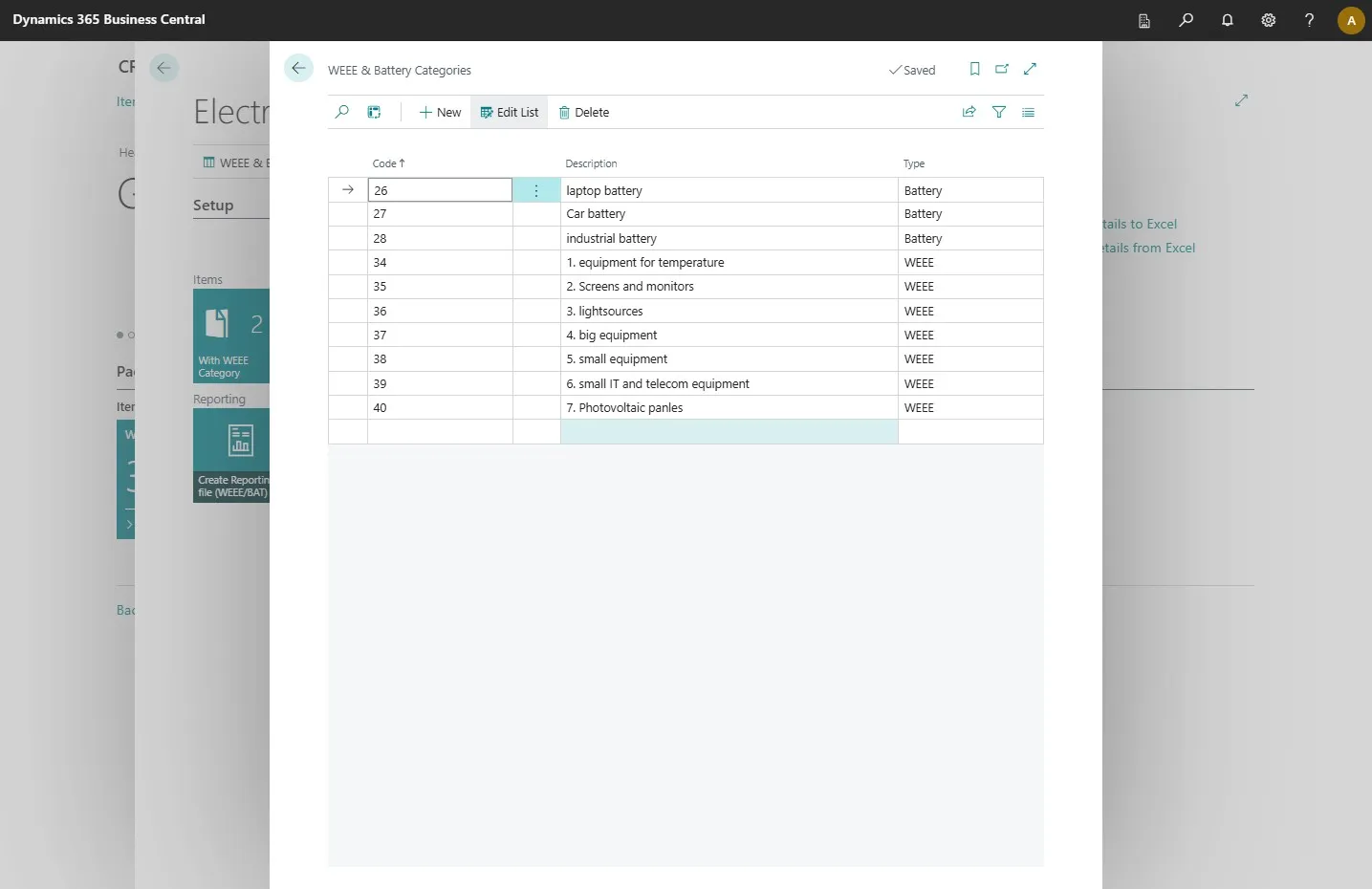
In this table, you can add the categories you plan to use and assign a type to each.
-
Once you’re finished, click on the arrow in the top left corner of the window.
-
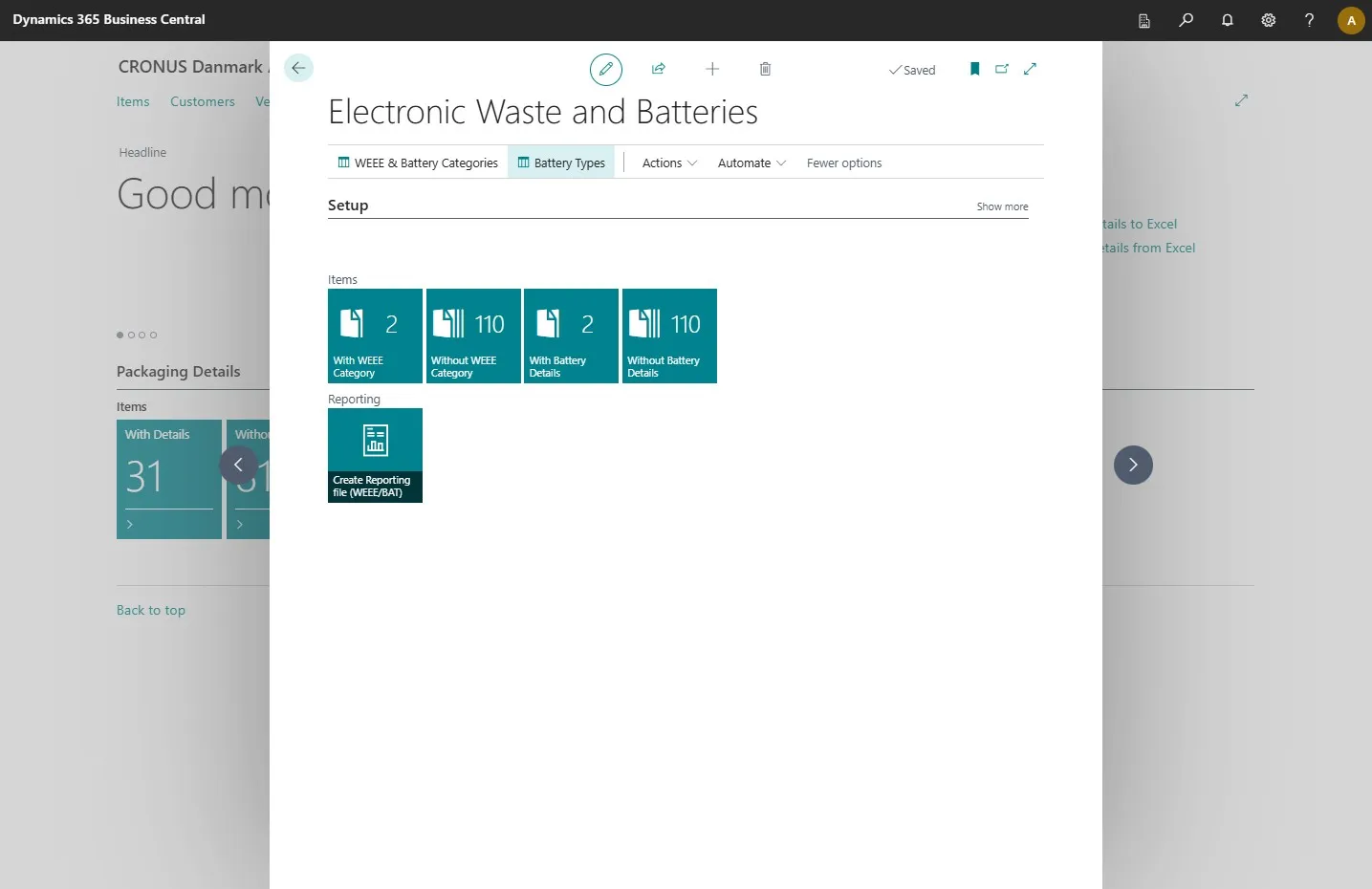
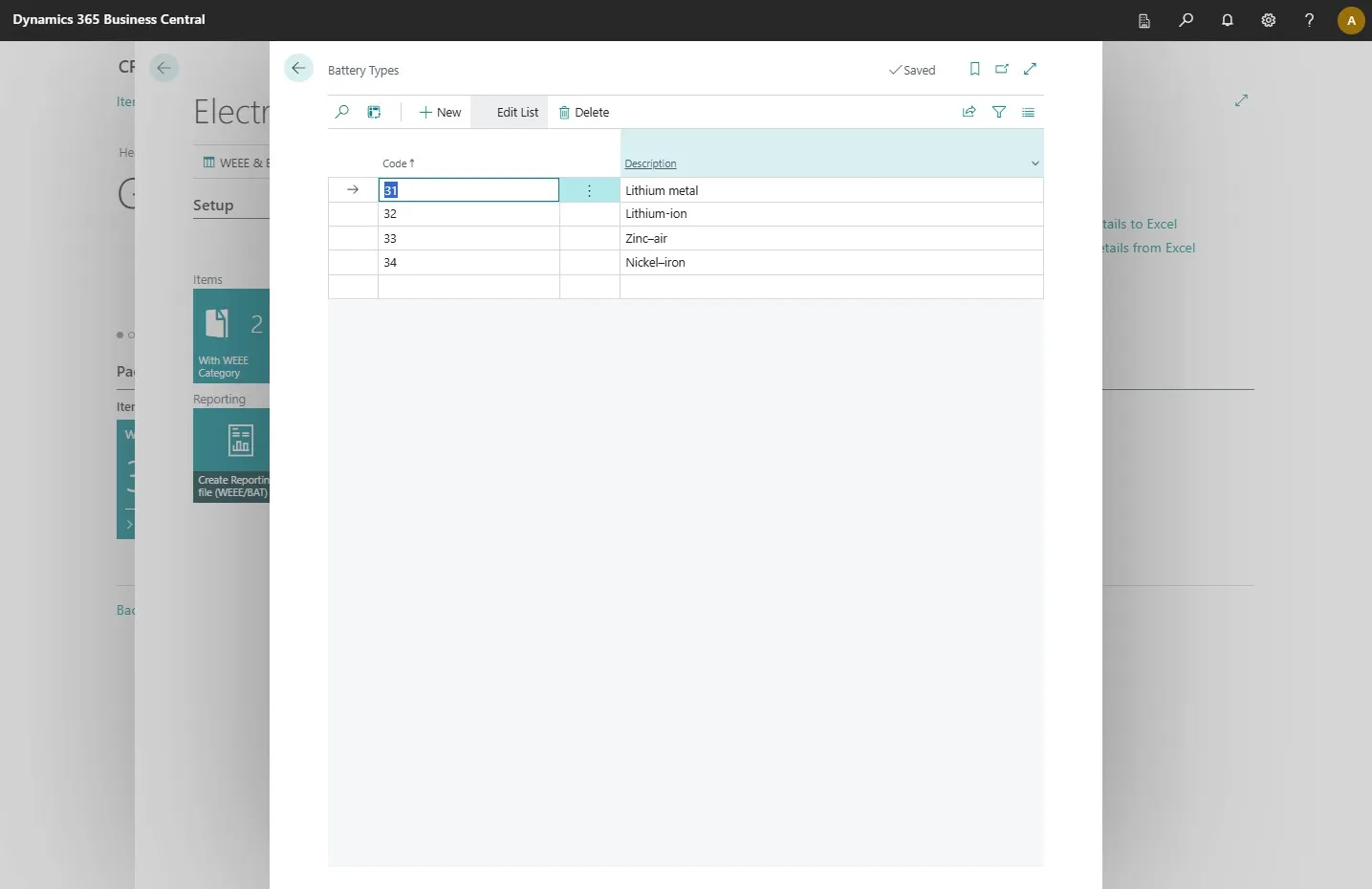
Then click on “Battery Types”.
-
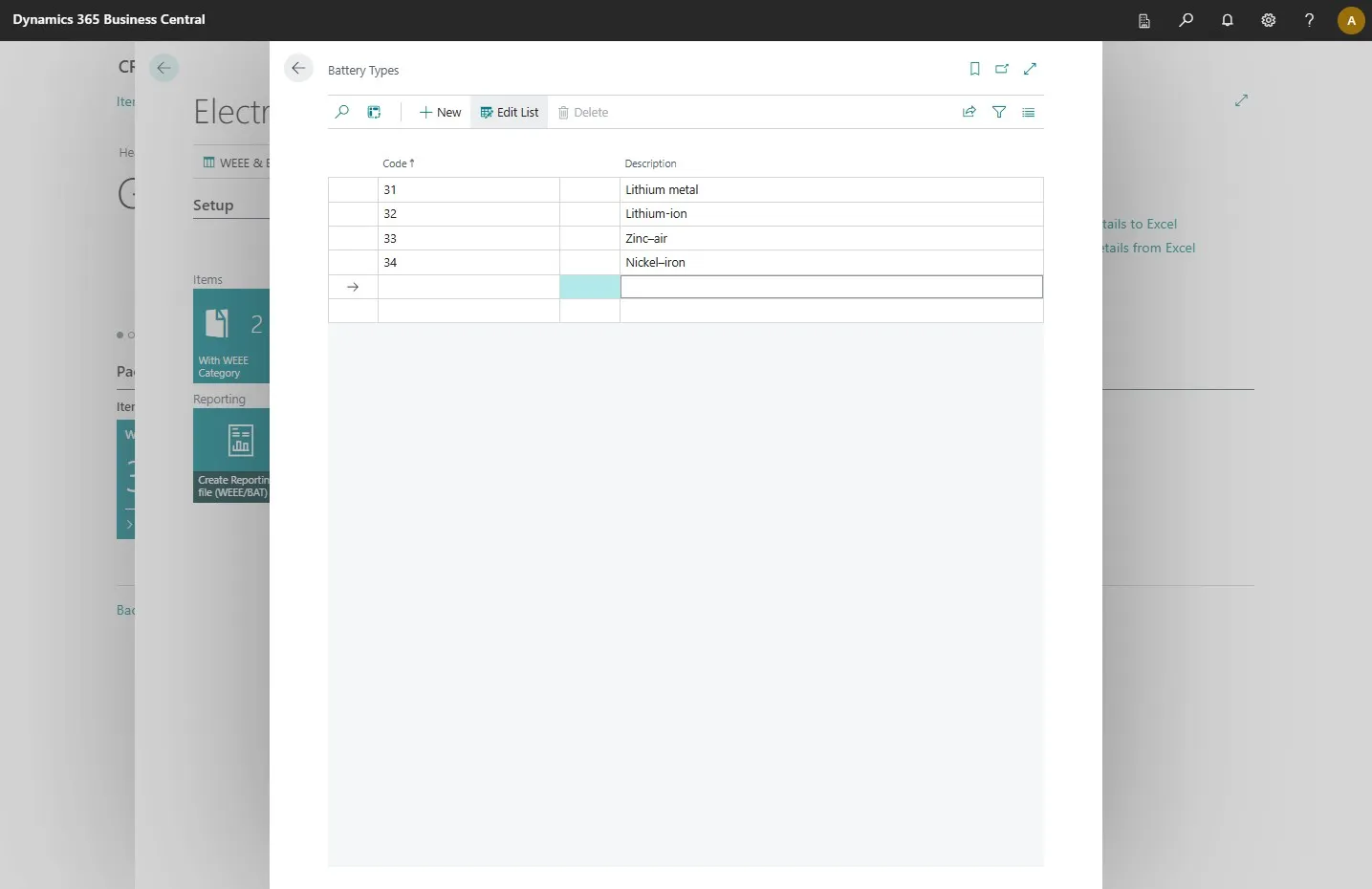
In this table, you can add the battery types used by your products.
-
Once you have added the necessary ones, click on the arrow in the top left corner.
-
On this module page, you can also see which of your items have assigned WEEE categories and which do not. Click on “Without WEEE Category” to access your item list.