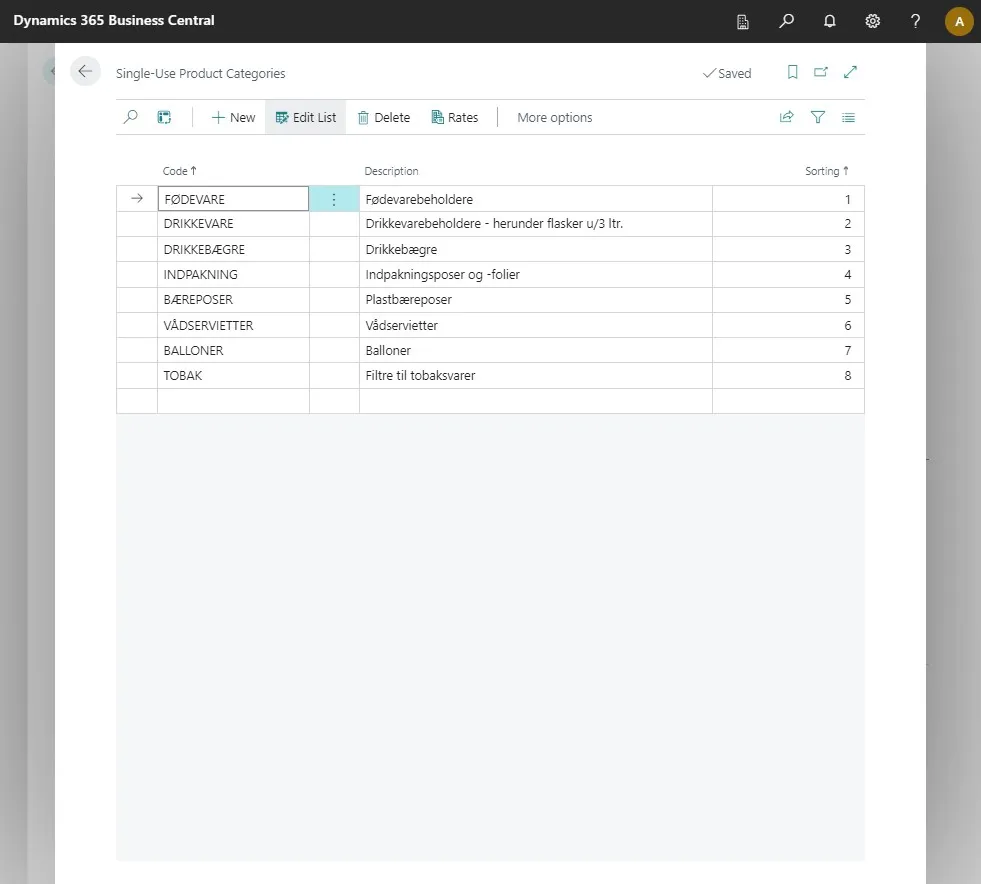
Setup Single Use Plastics in Business Central
-
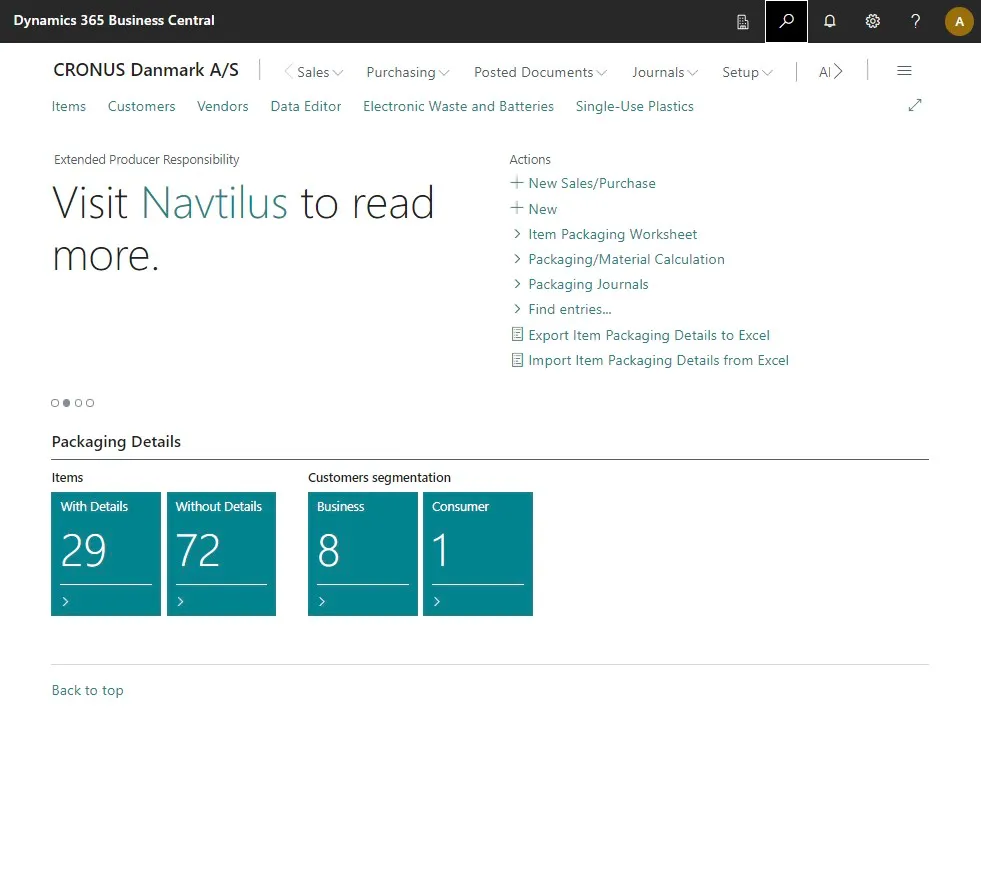
Open your Business Central
-
Click on the search icon or press ALT + Q to open the search function.
-
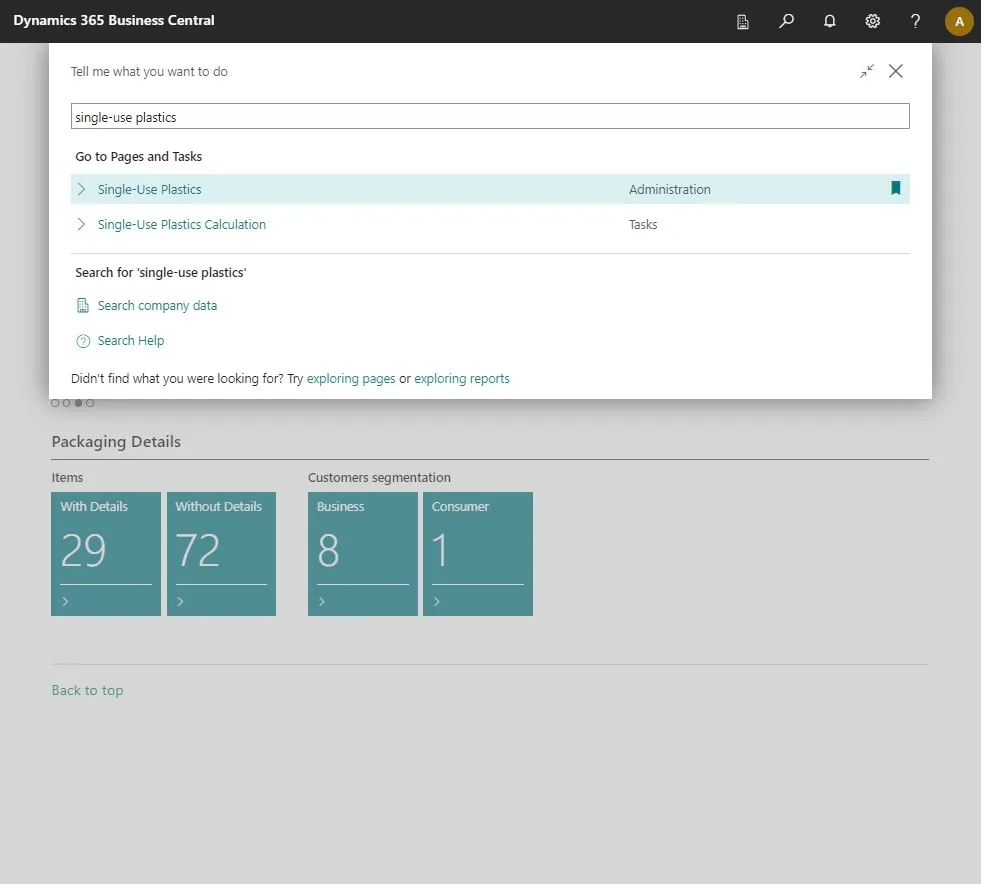
Type in “Single-Use Plastics” in the search field.
-
Select the related link.
-
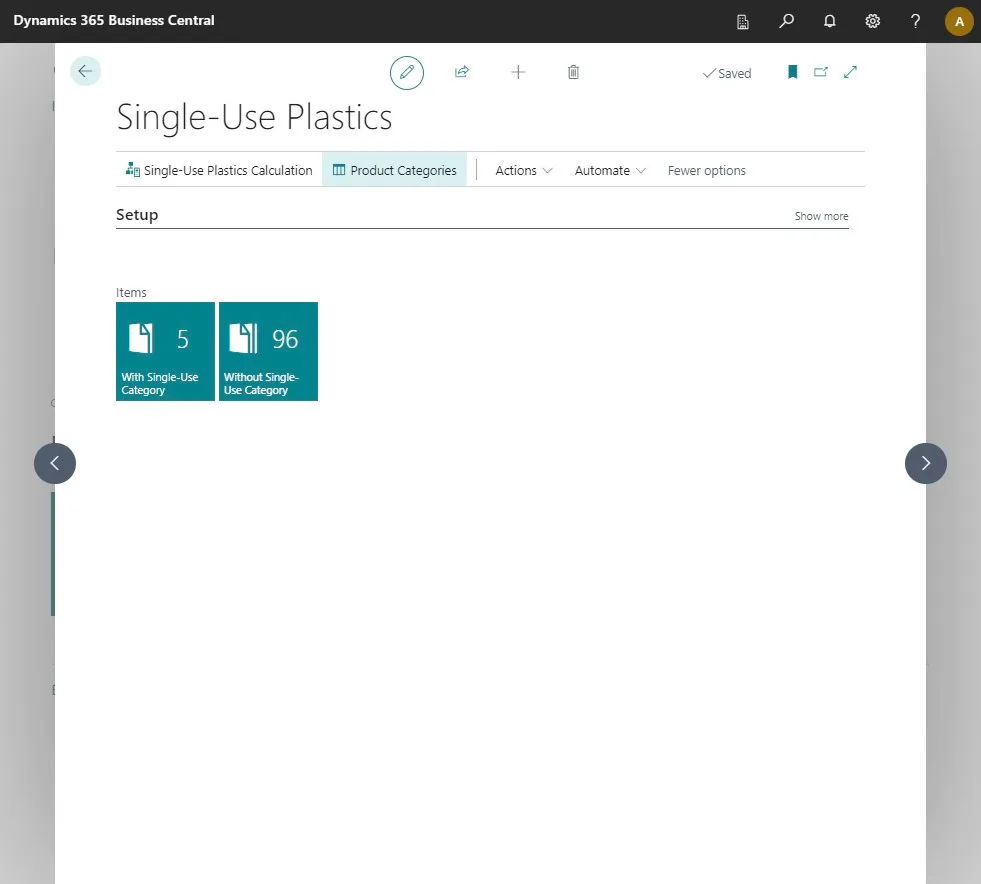
This is gonna open the Single-Use Plastic module.
-
In the module click on “Product Categories”
-
On this page you will find a list of all your categories. To add new cagories, simply press “+ New”.
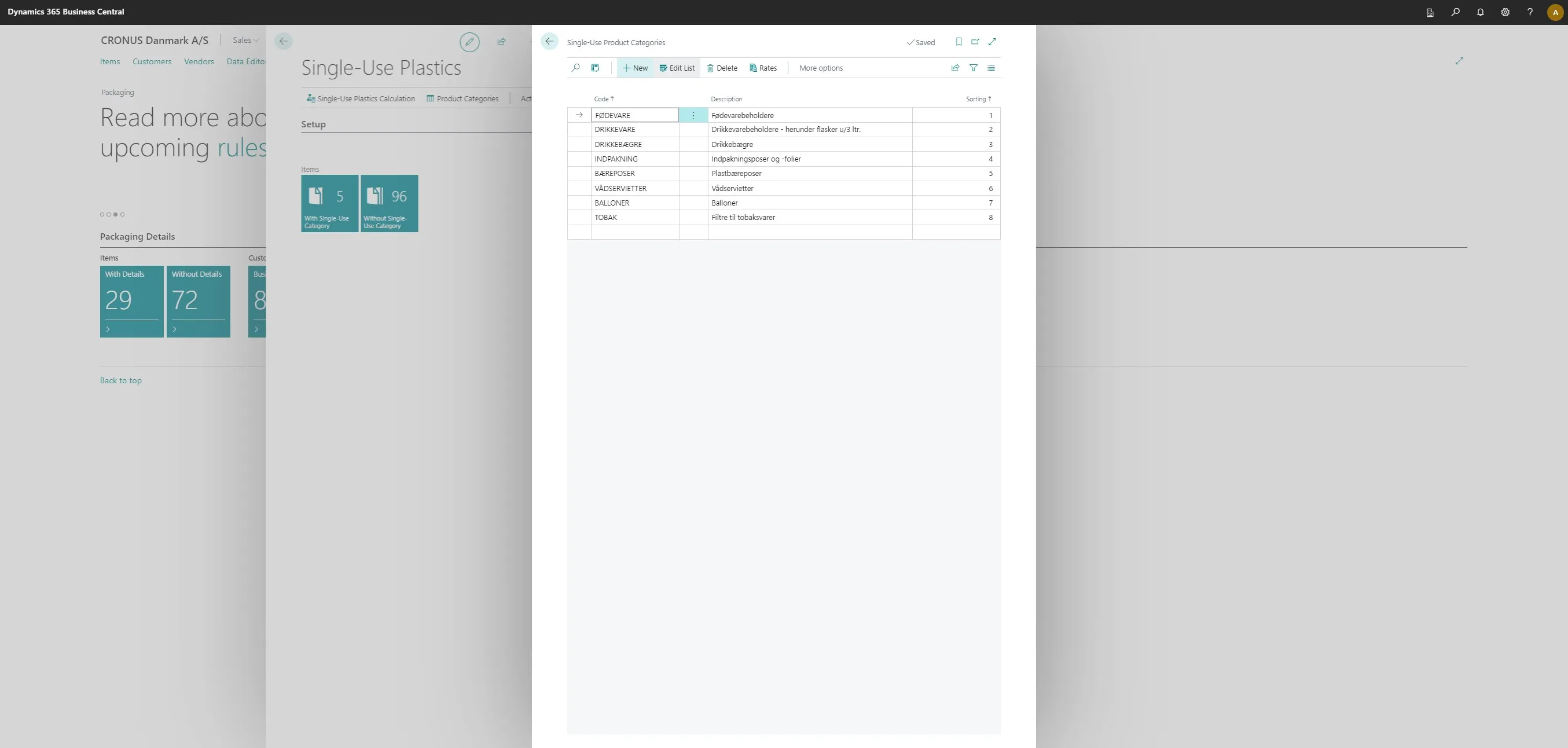
-
Enter you details on the new line.
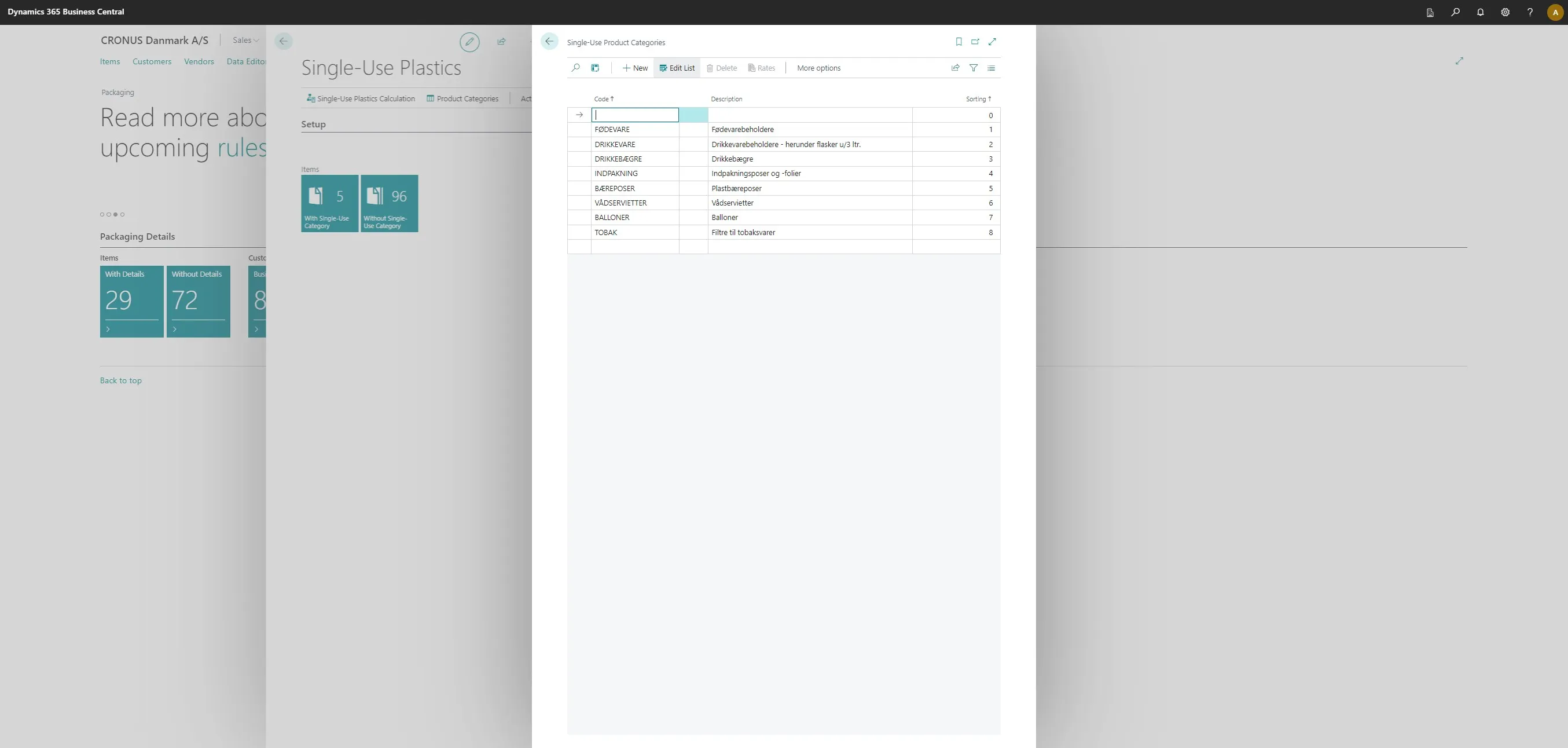
-
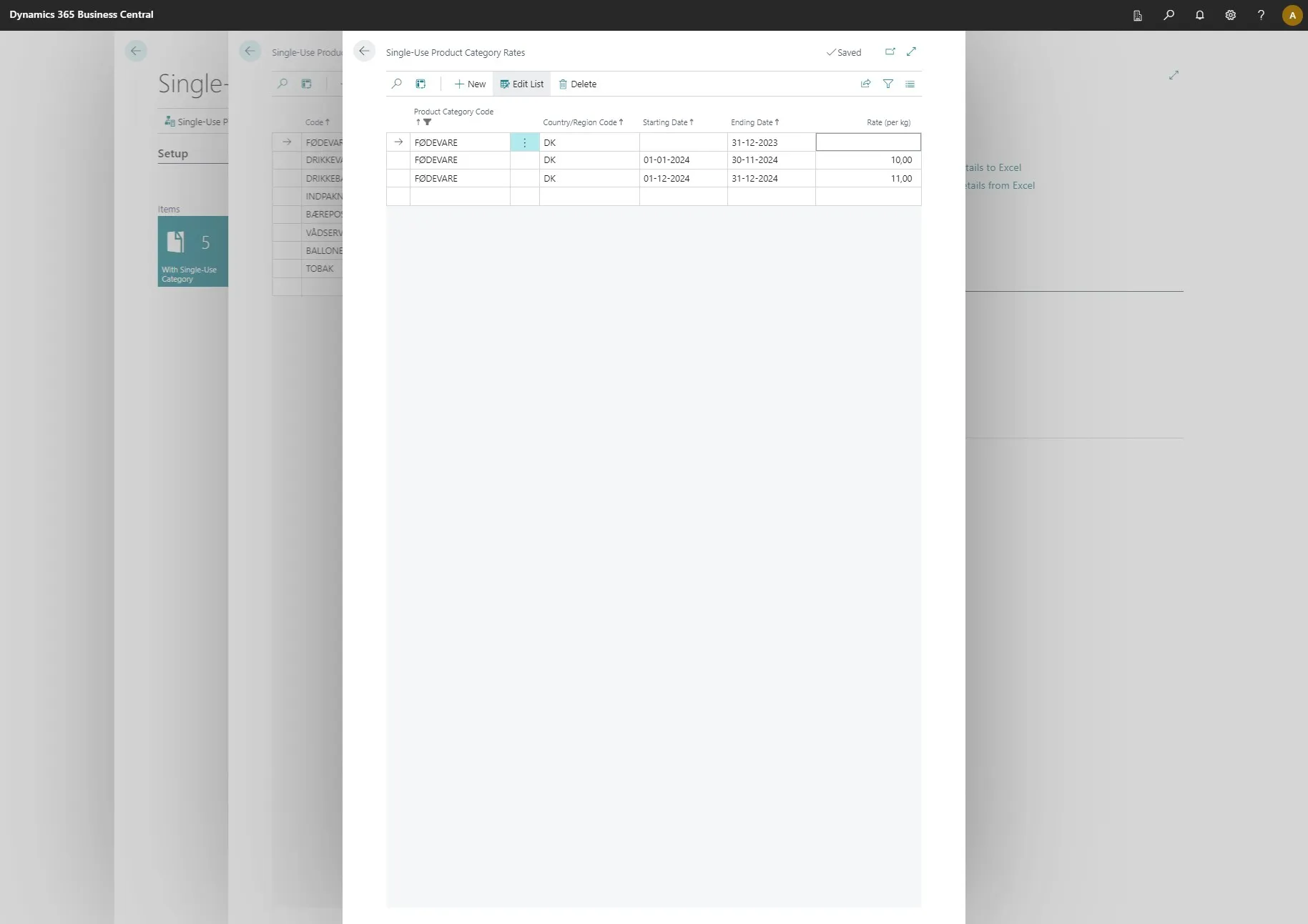
Once the lines are filled out, you can select one and click on “Rates.”
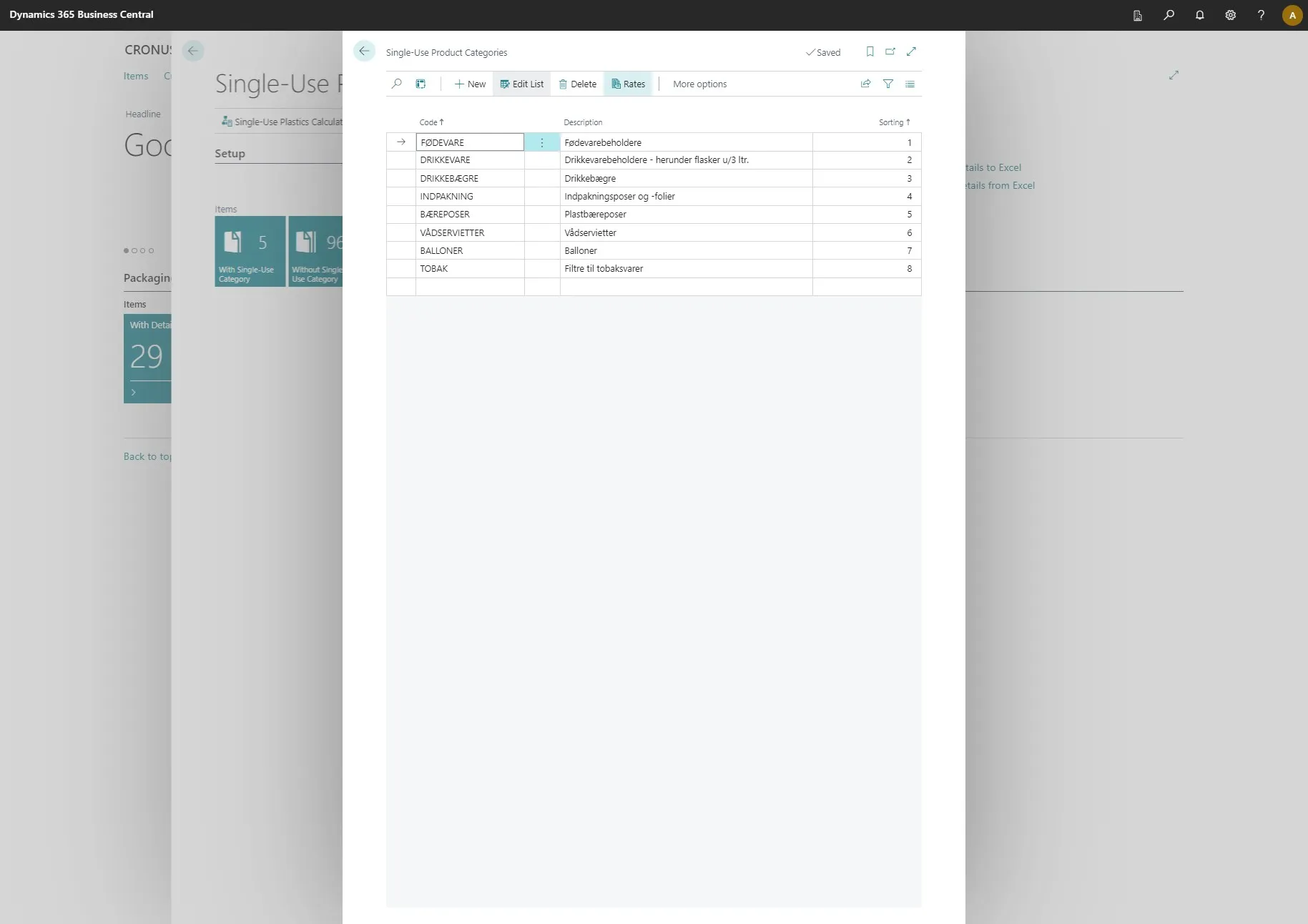
-
You can enter the rates for the category here.
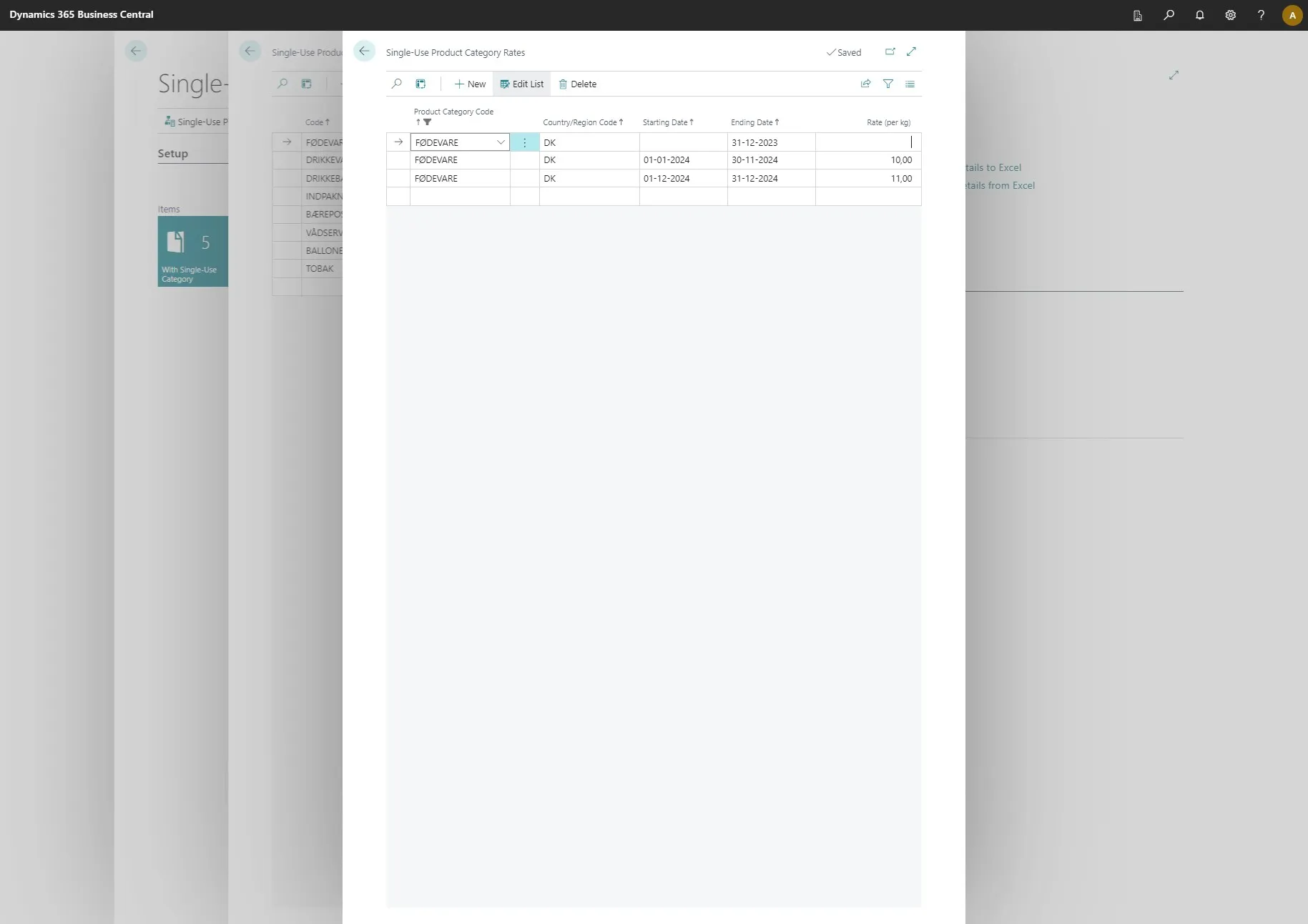
-
Afterwards click on the arrow in the top left corner to go back
-
Once that is done, click on the arrow in the top left conor.