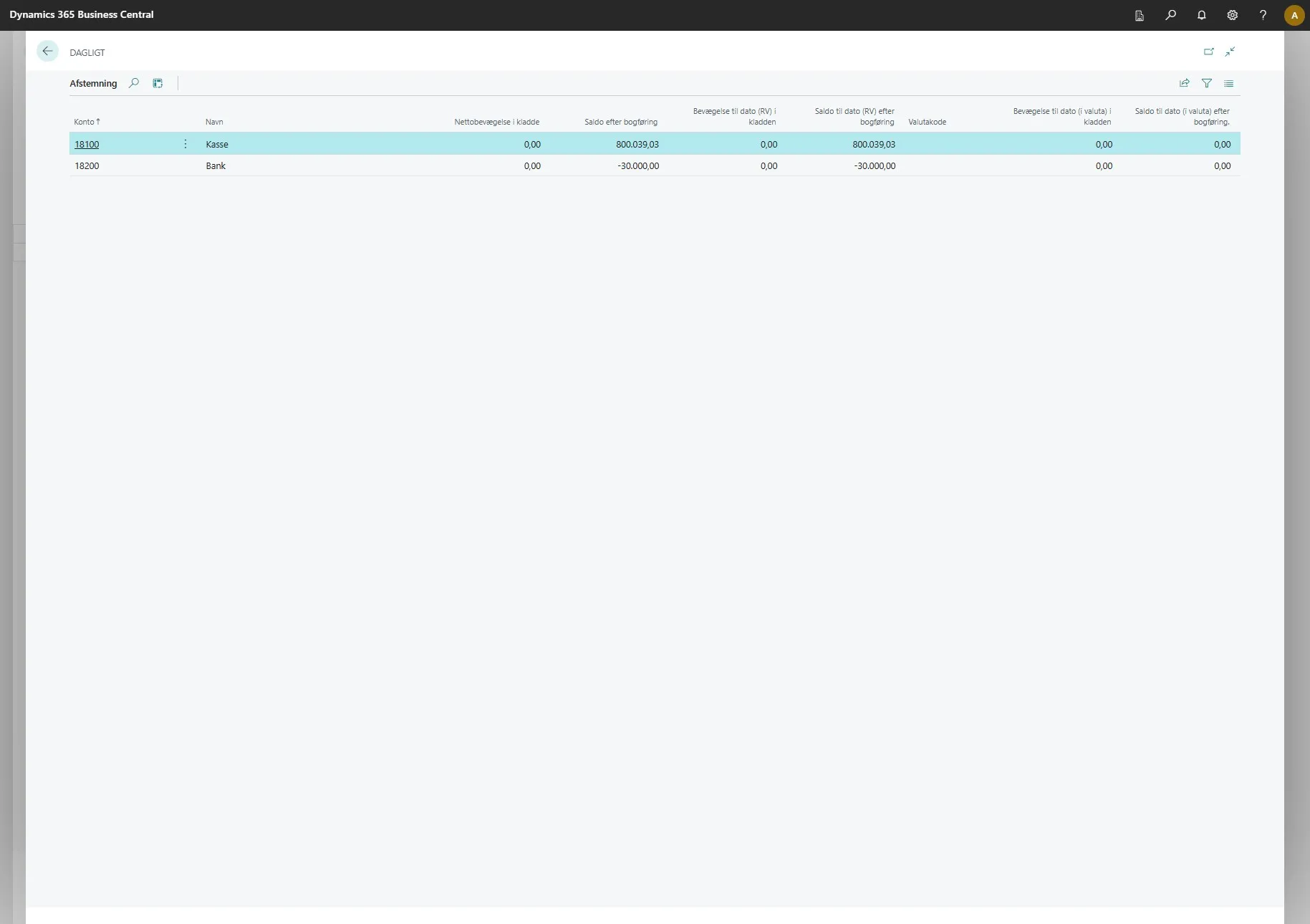
Bank Reconciliation
This feature adds several new columns to your bank reconciliation page, making it easier to get a clear overview of your bank reconciliations.
-
Open your Business Central.
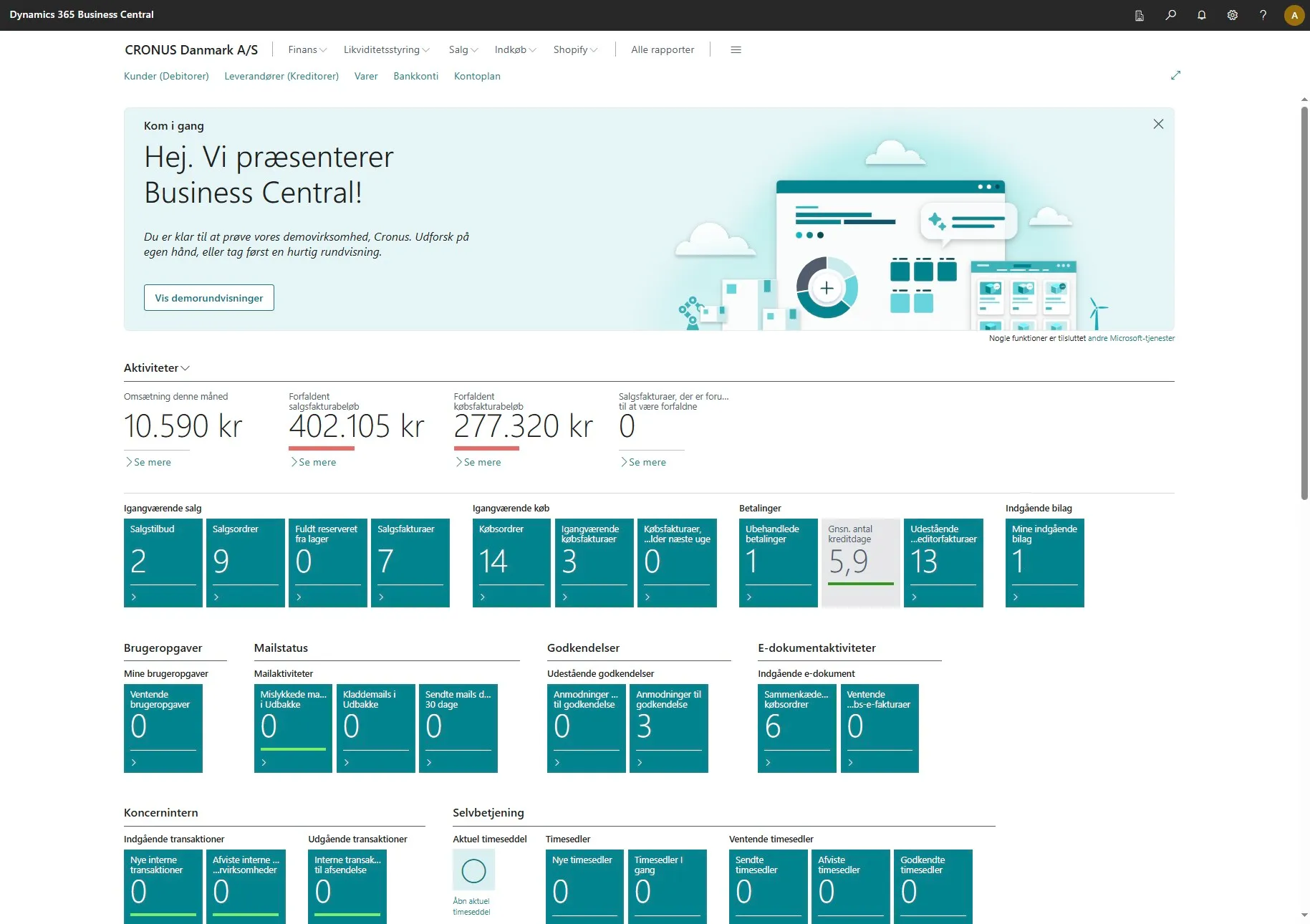
-
Use the search field by clicking on the magnifying glass or by using the shortcut ALT + Q
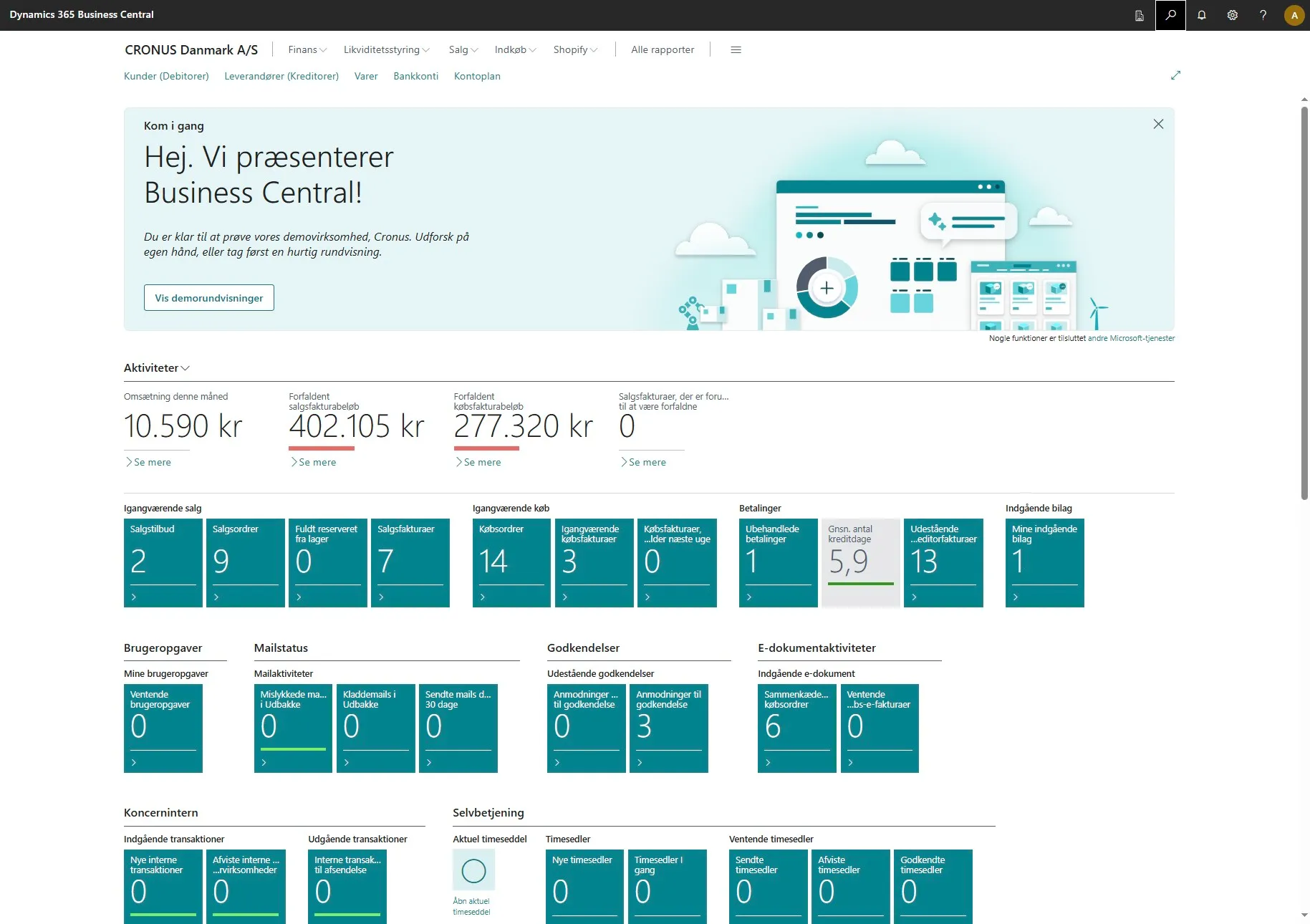
-
Enter “general journals” in the search field.
-
Click on the related link
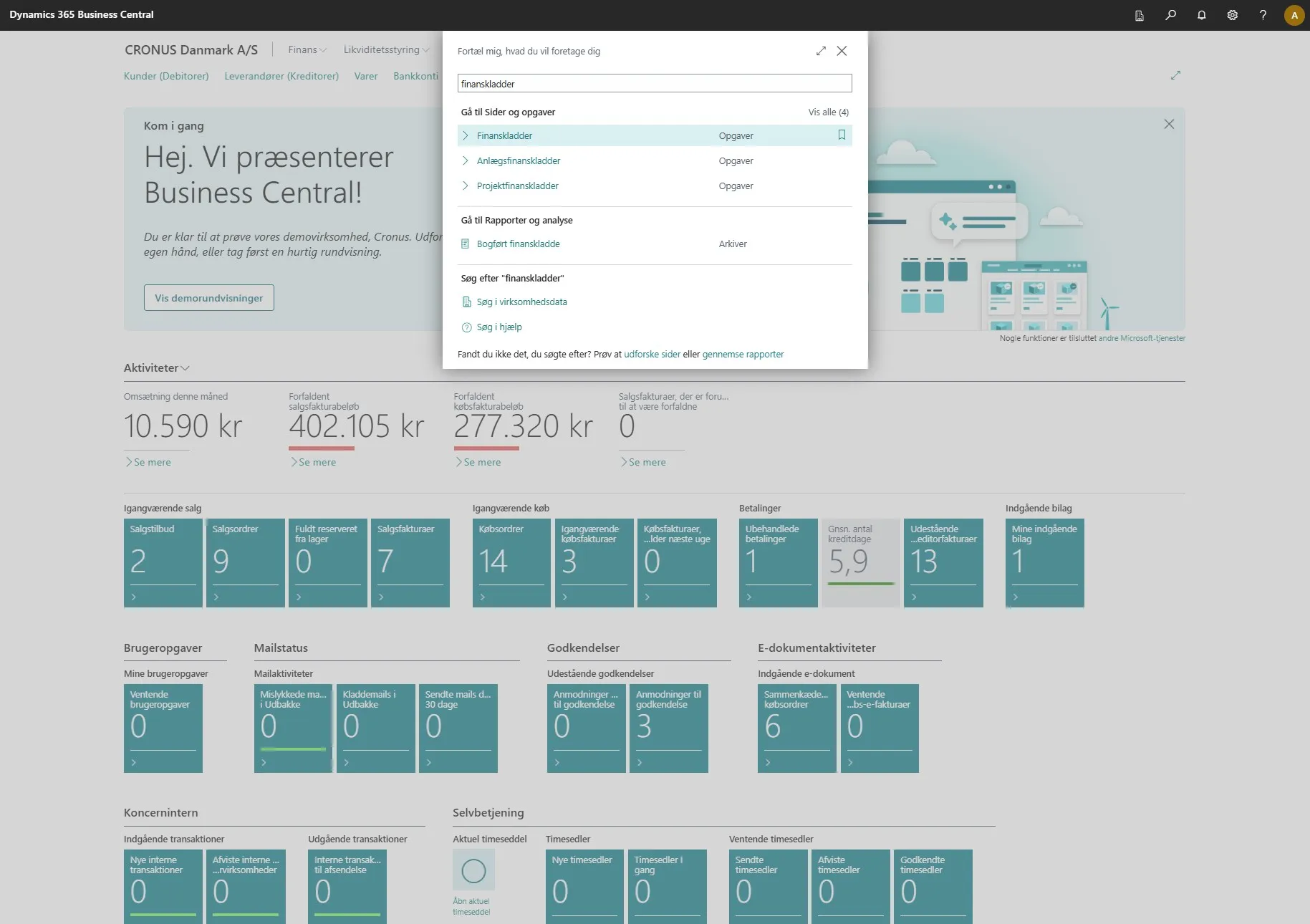
-
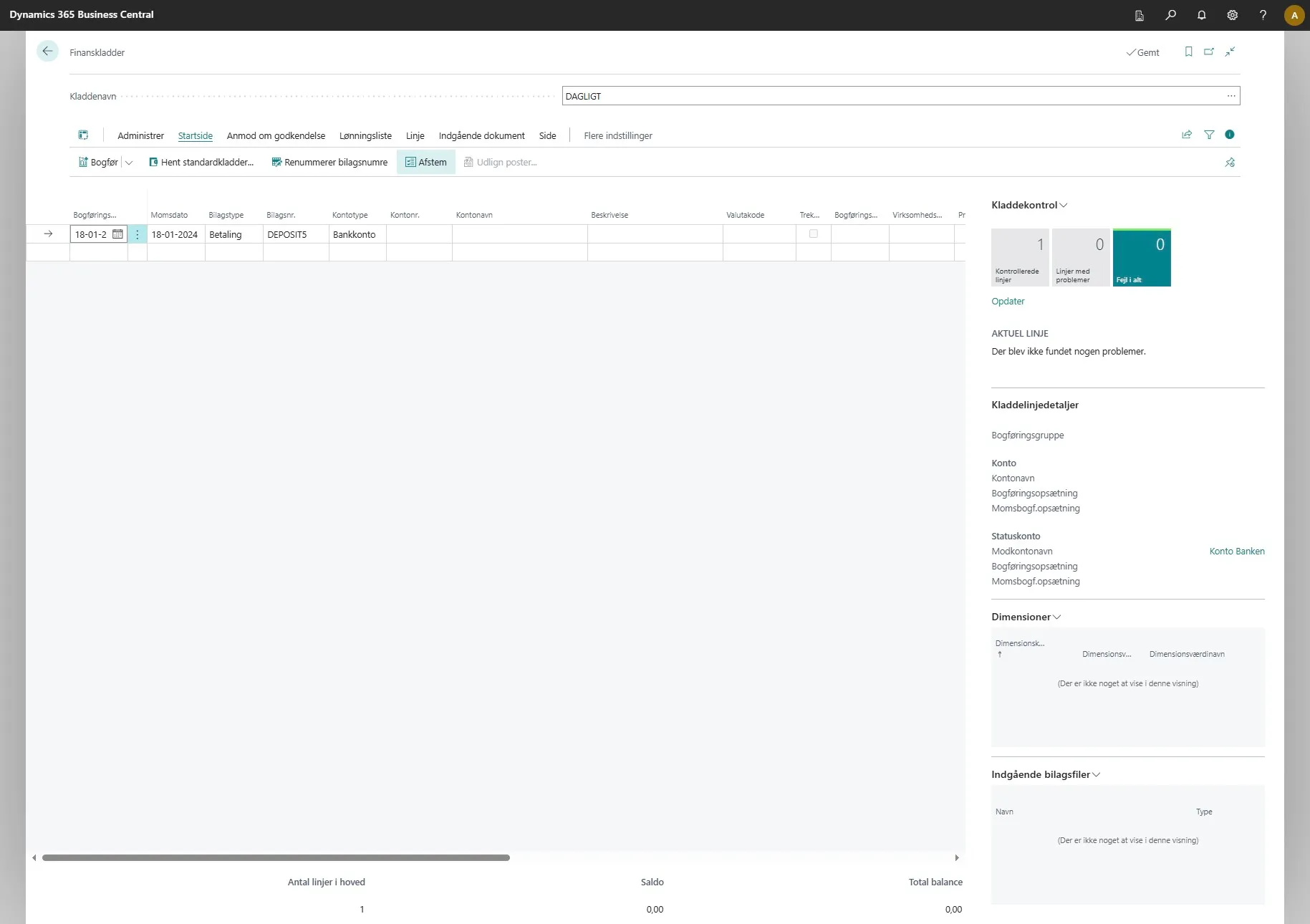
Click on “Reconcile”.
-
On this page you will see that several new columns have been added.
- Movement to date (LCY) in the journal
- Balance to date (LCY) after posting
- Currency code
- Movement to date (in currency) in the journal
- Balance to date (in currency) after posting
These columns help provide a better overview and make it easier to perform bank reconciliations.