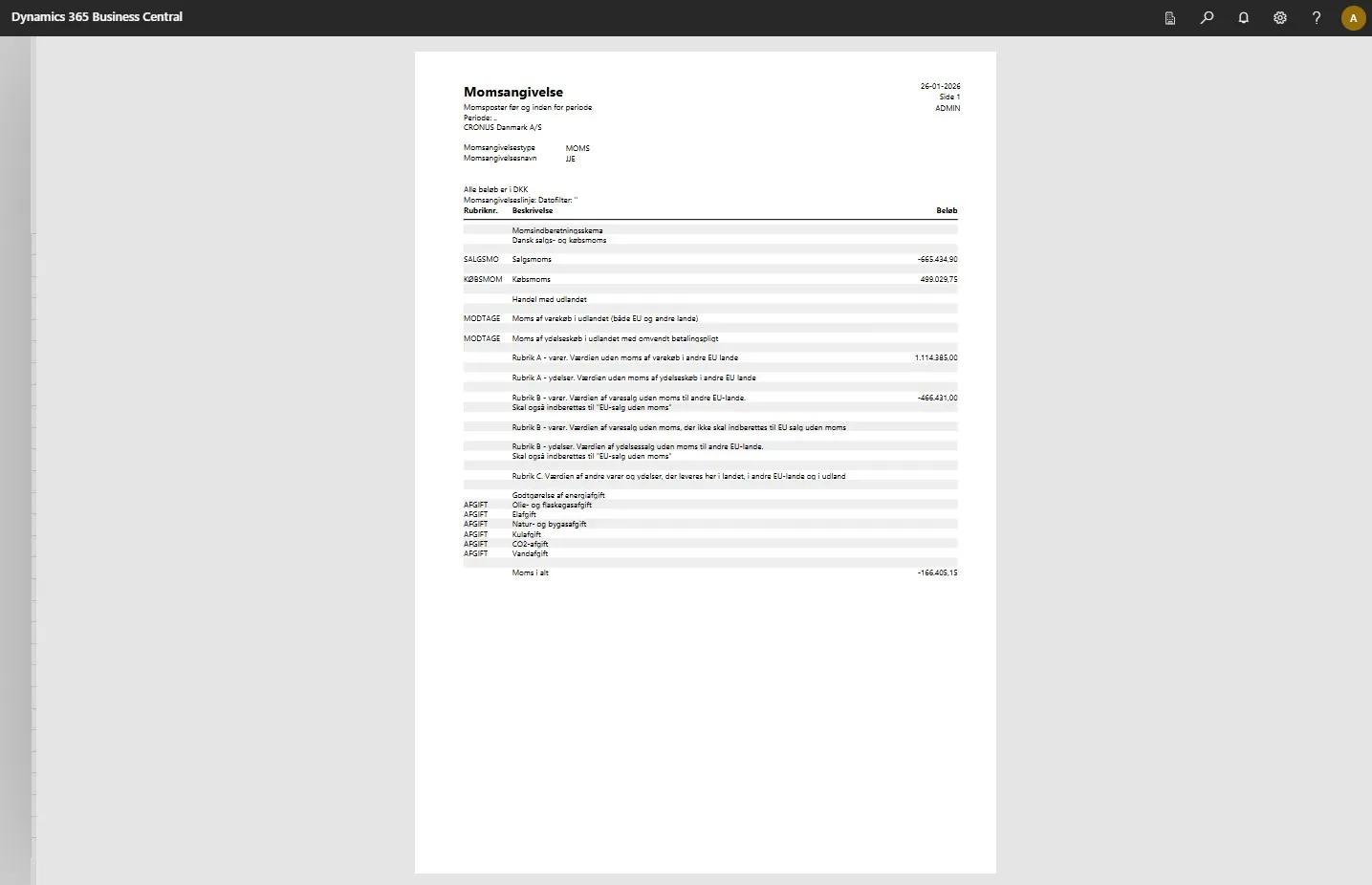
Assistance for setting up the VAT statement
This tool automates the setup and structuring of VAT statements according to Danish authority requirements. It connects the chart of accounts directly with reporting areas and automatically generates correct VAT statement lines, giving businesses a simple, structured, and reliable process for VAT reporting – without manual setup and complex work.
-
Open your Business Central.
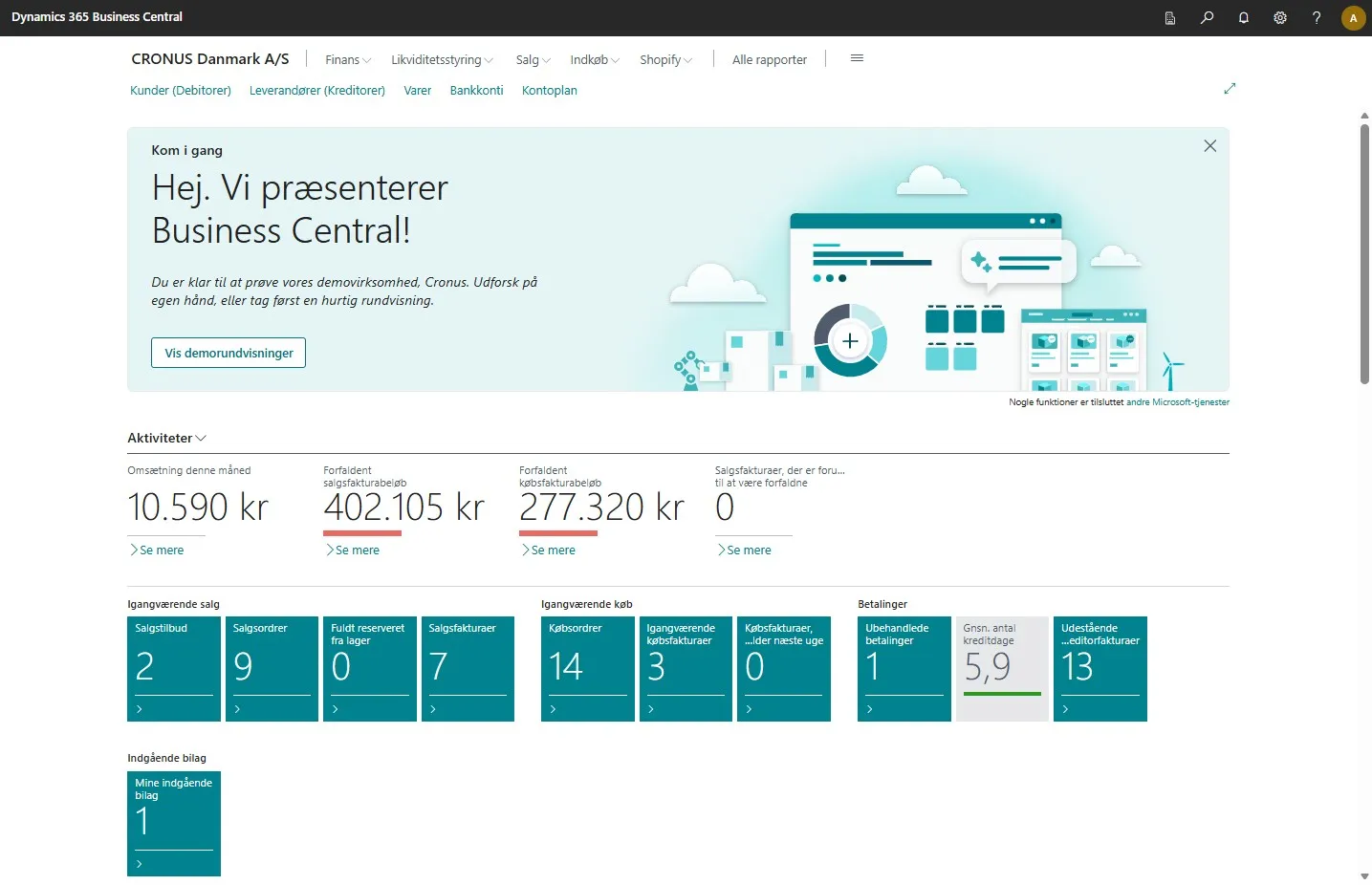
-
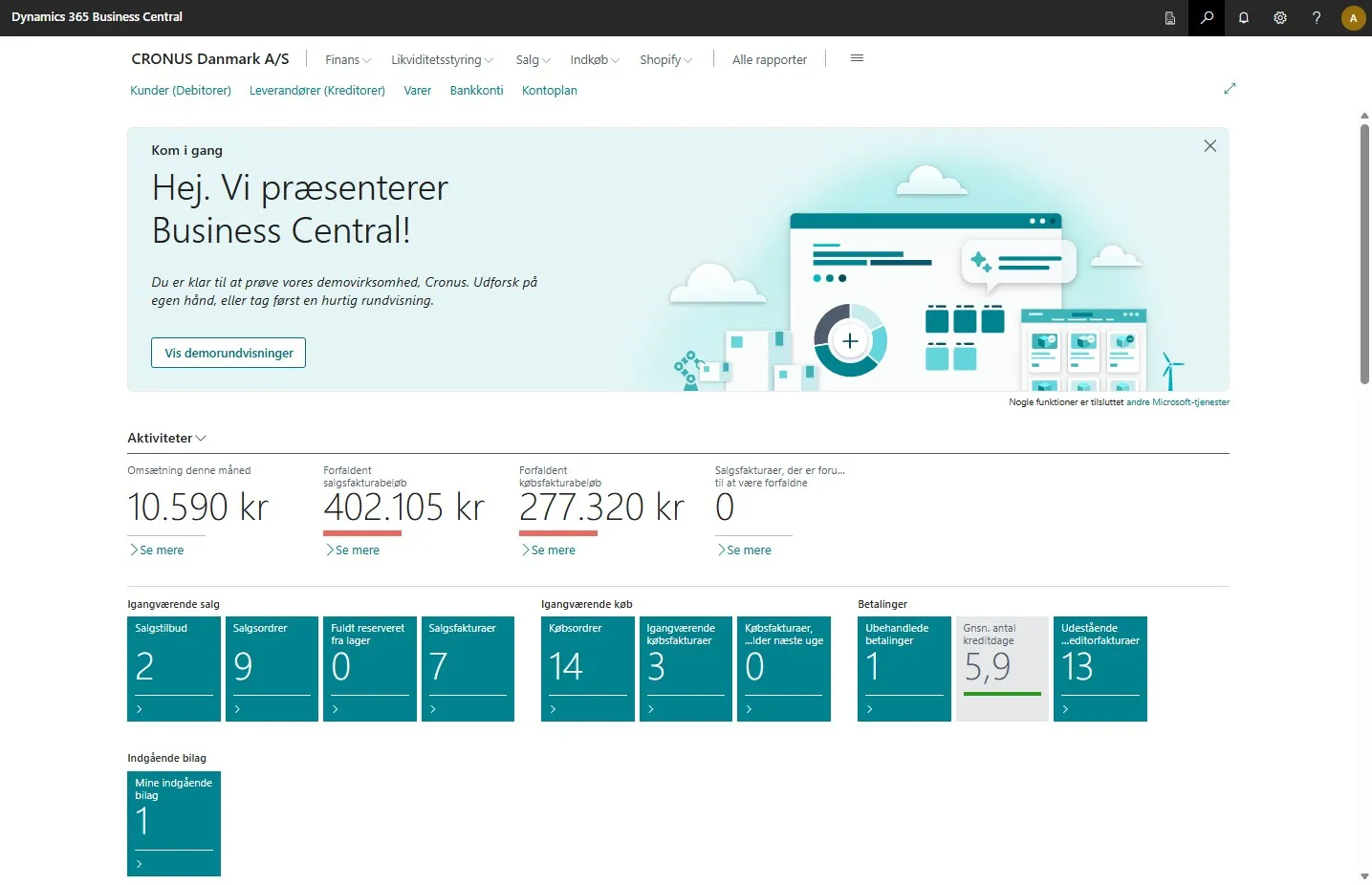
Click on the magnifying glass in the upper right corner, or use the keyboard shortcut Alt + Q to search.
-
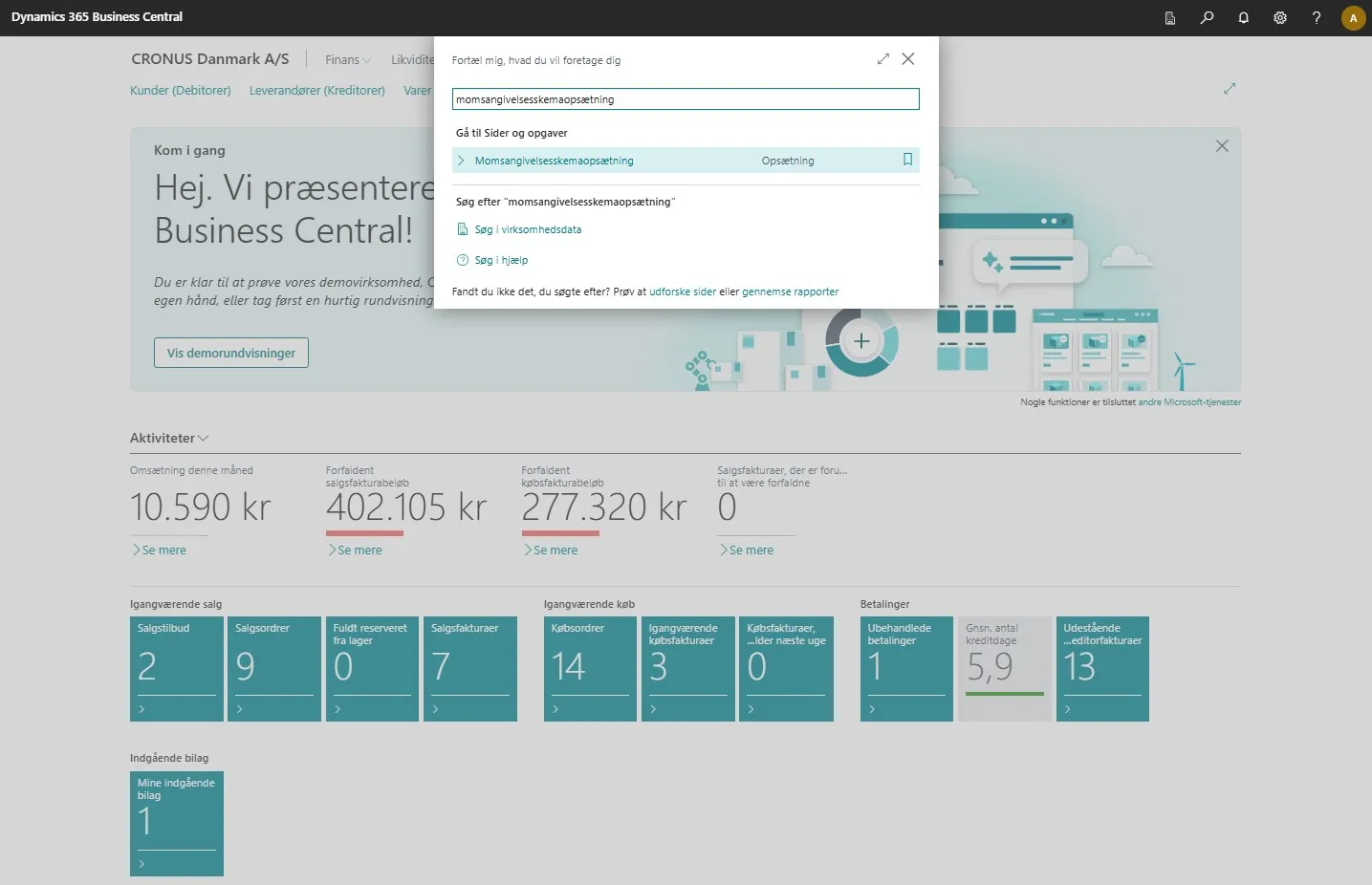
Enter “VAT statement setup” in the search field and select the related link.
-
This opens a setup page where you can configure your chart of accounts with the different reporting areas.
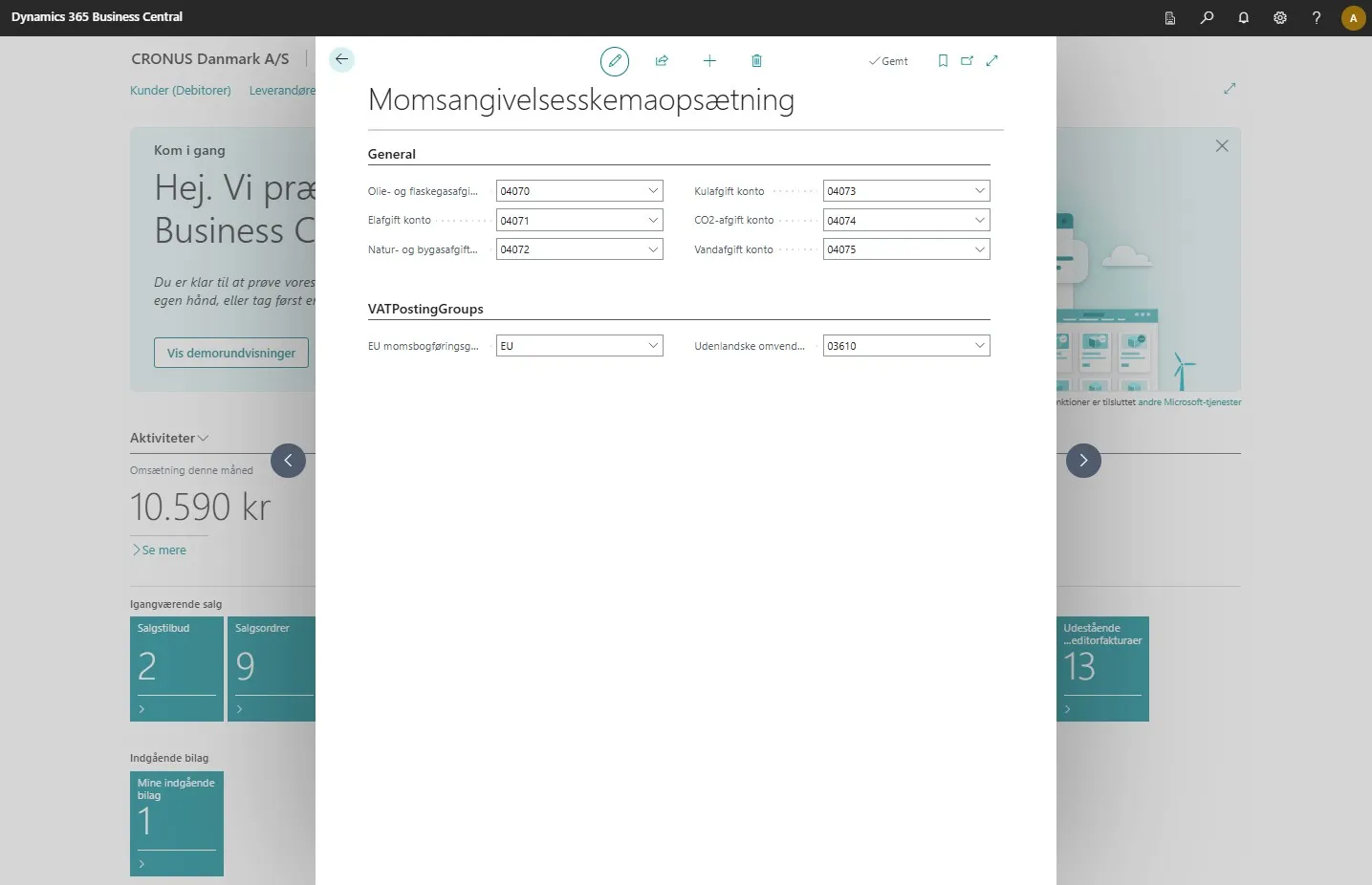
-
By clicking on the small arrow in each field, a dropdown menu opens with the available options.
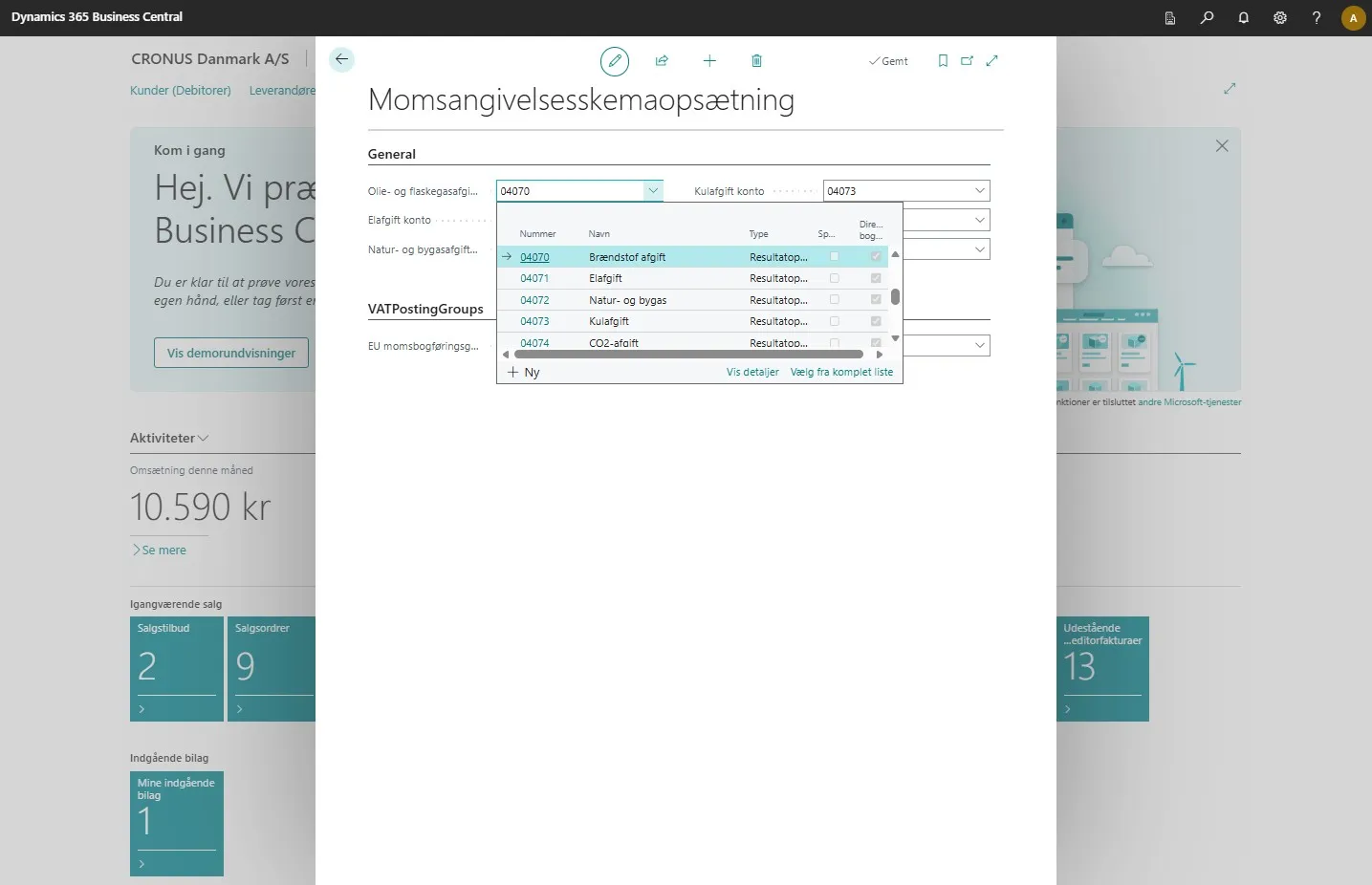
-
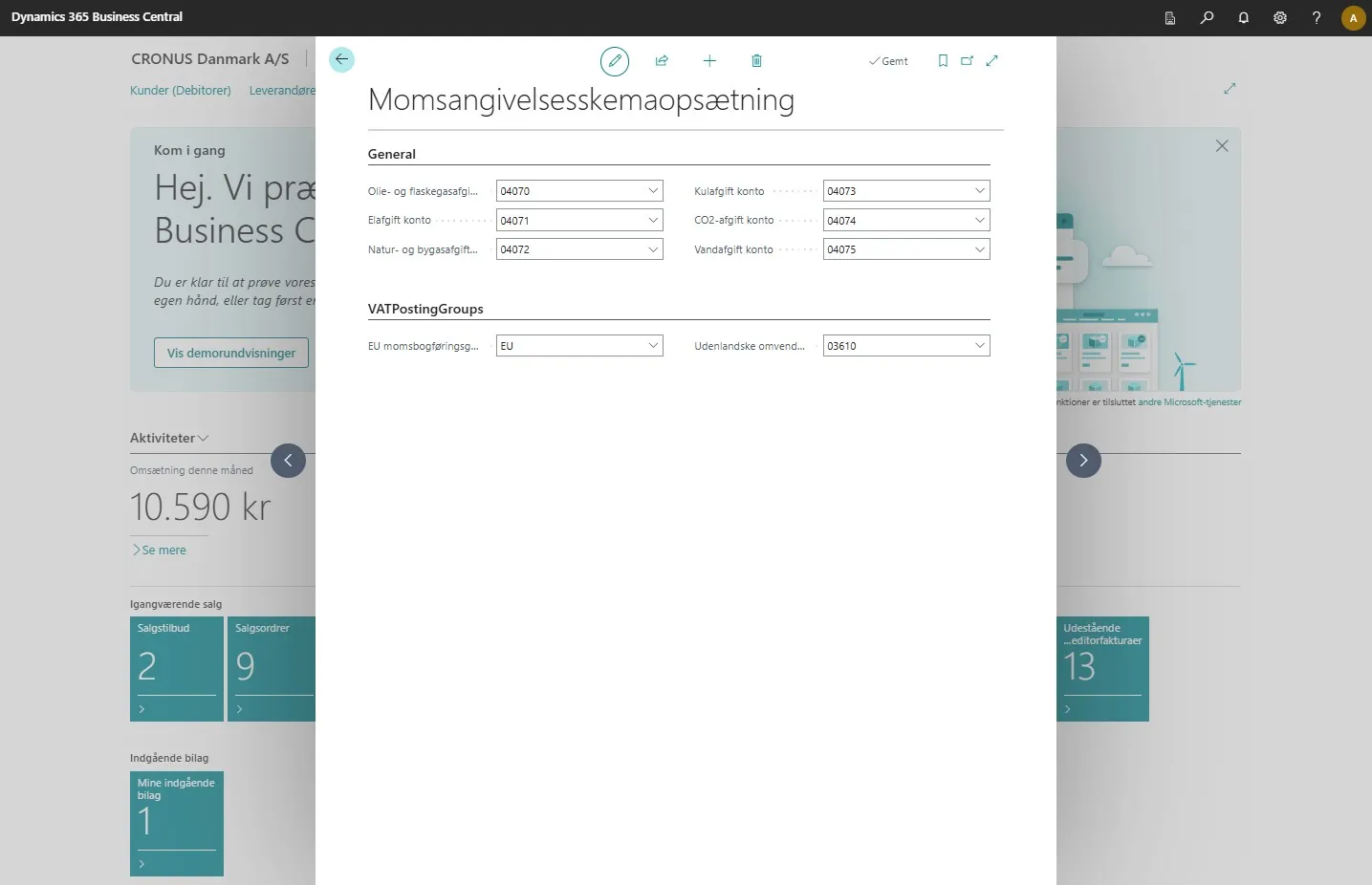
When the setup is complete, you can go back by clicking the arrow in the upper left corner.
-
Click on the magnifying glass in the upper right corner, or use the keyboard shortcut Alt + Q to search.
-
Enter “VAT Statements” in the search field and select the related link.
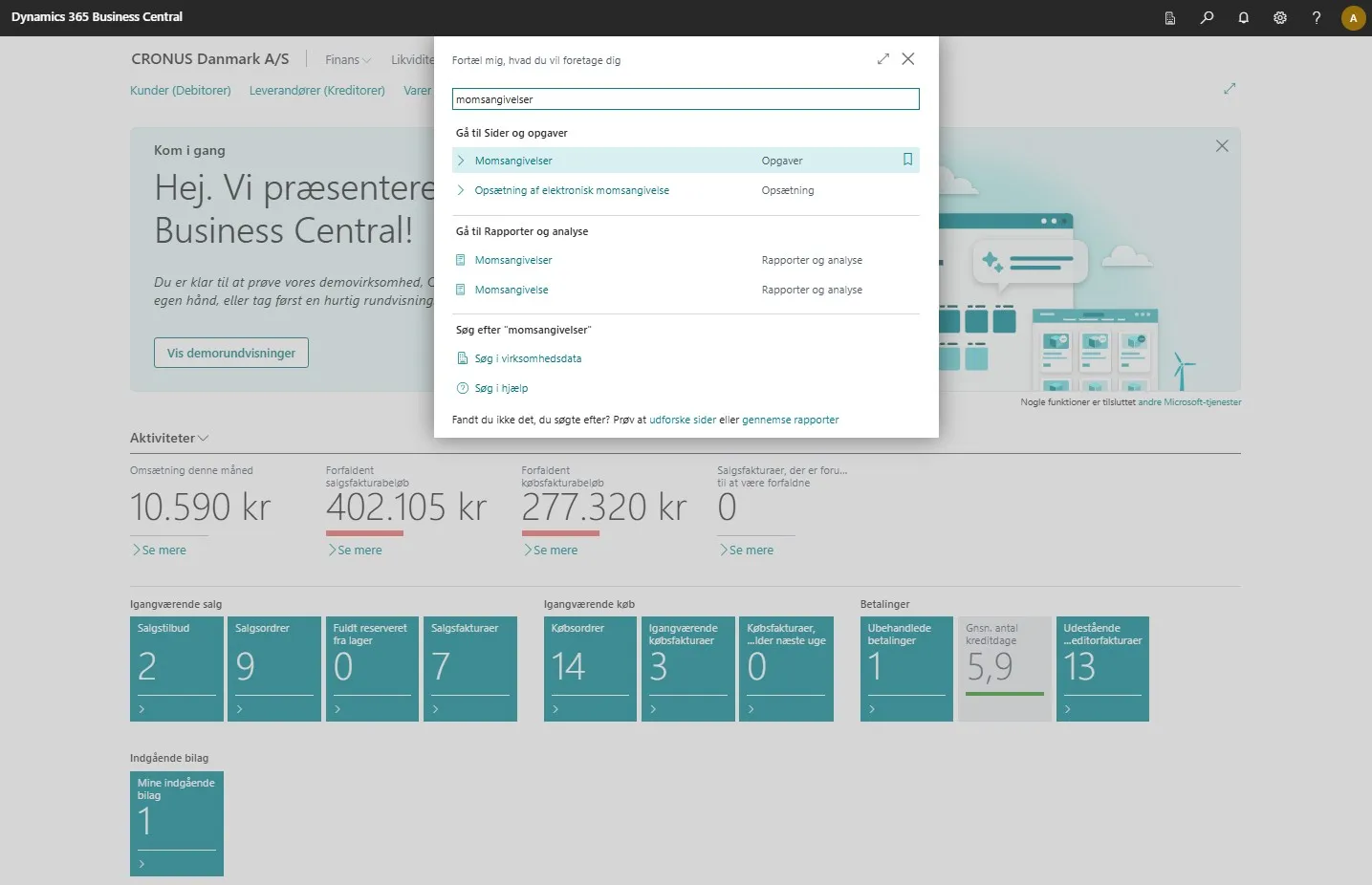
-
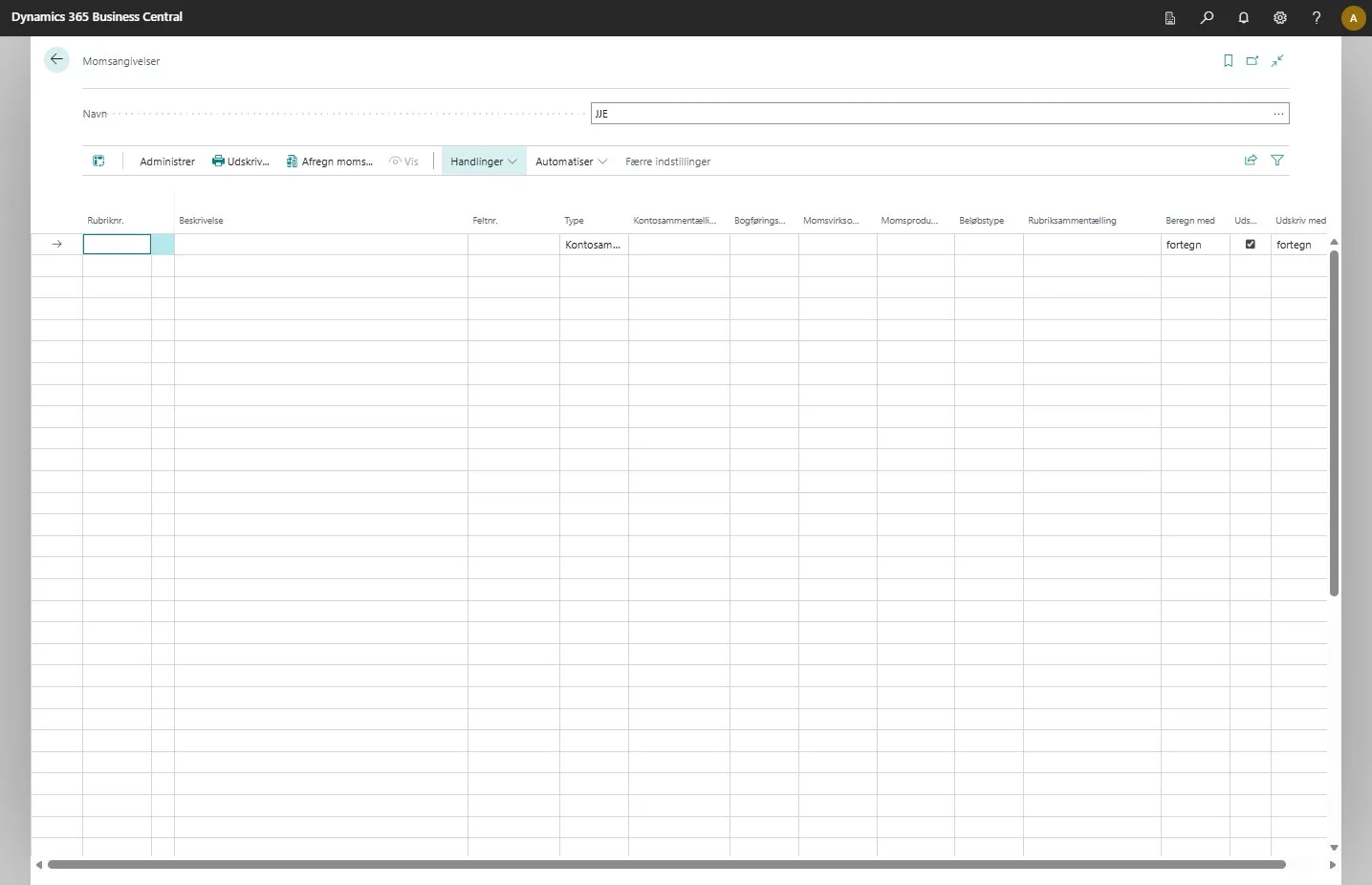
On the VAT statements page, you can then select “Actions” in the menu.
-
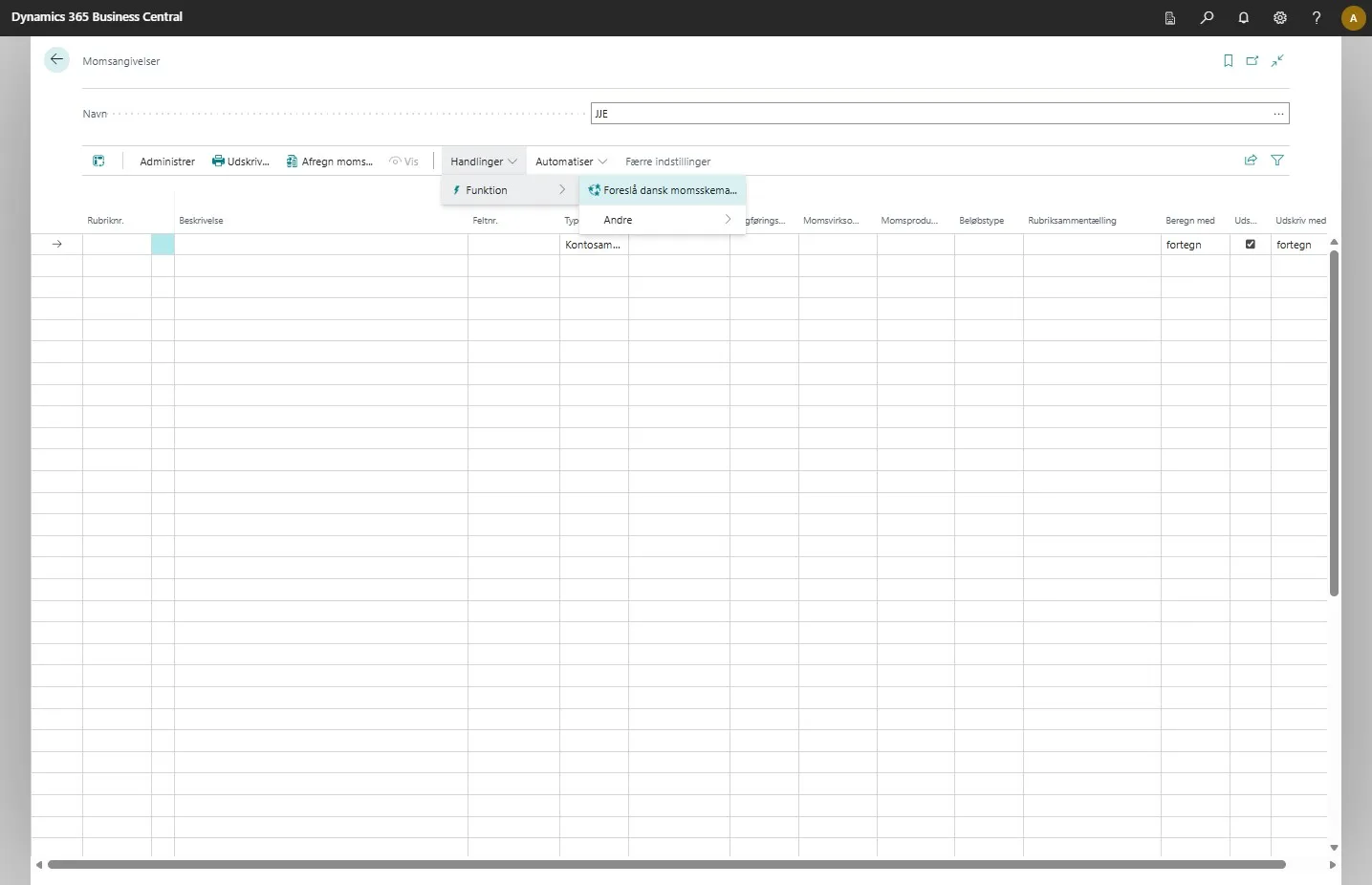
Then click on “Function” and then “Suggest Danish VAT statement…”
-
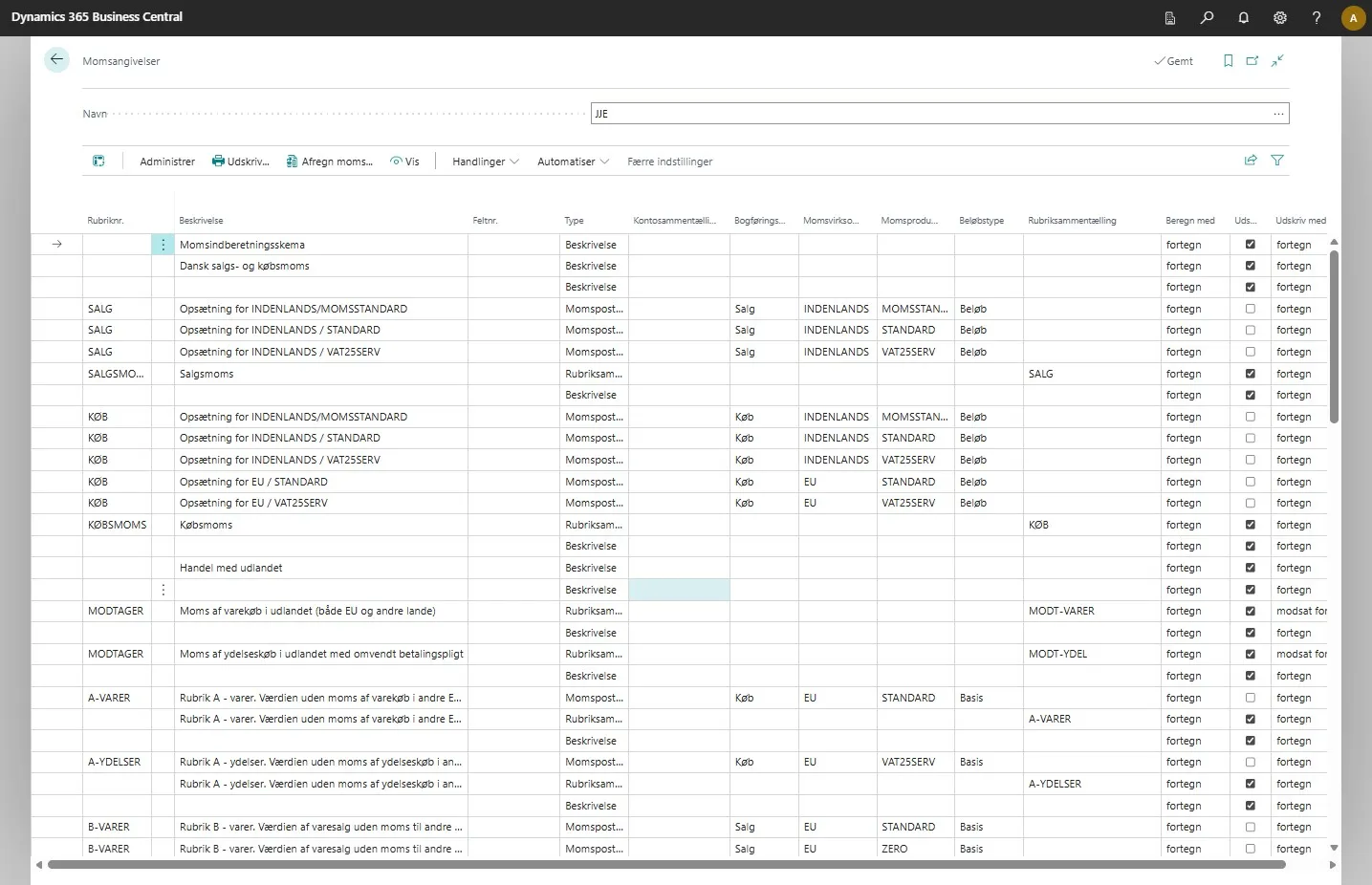
The system will then automatically perform the setup of VAT statements based on Danish authority requirements.
-
You will then be able to generate your reports for the VAT statement.