Creating Reports
-
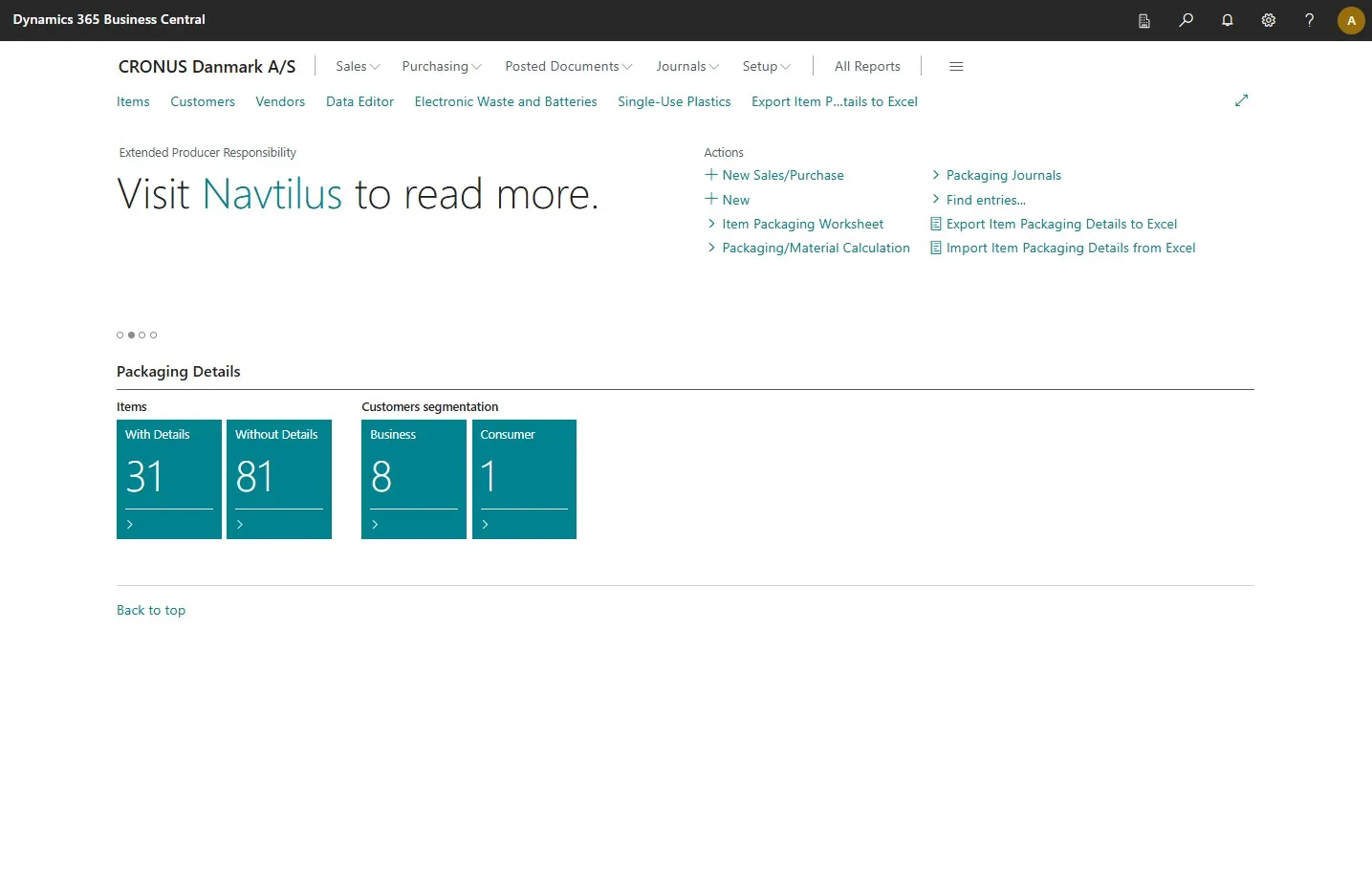
Open your Business Central
-
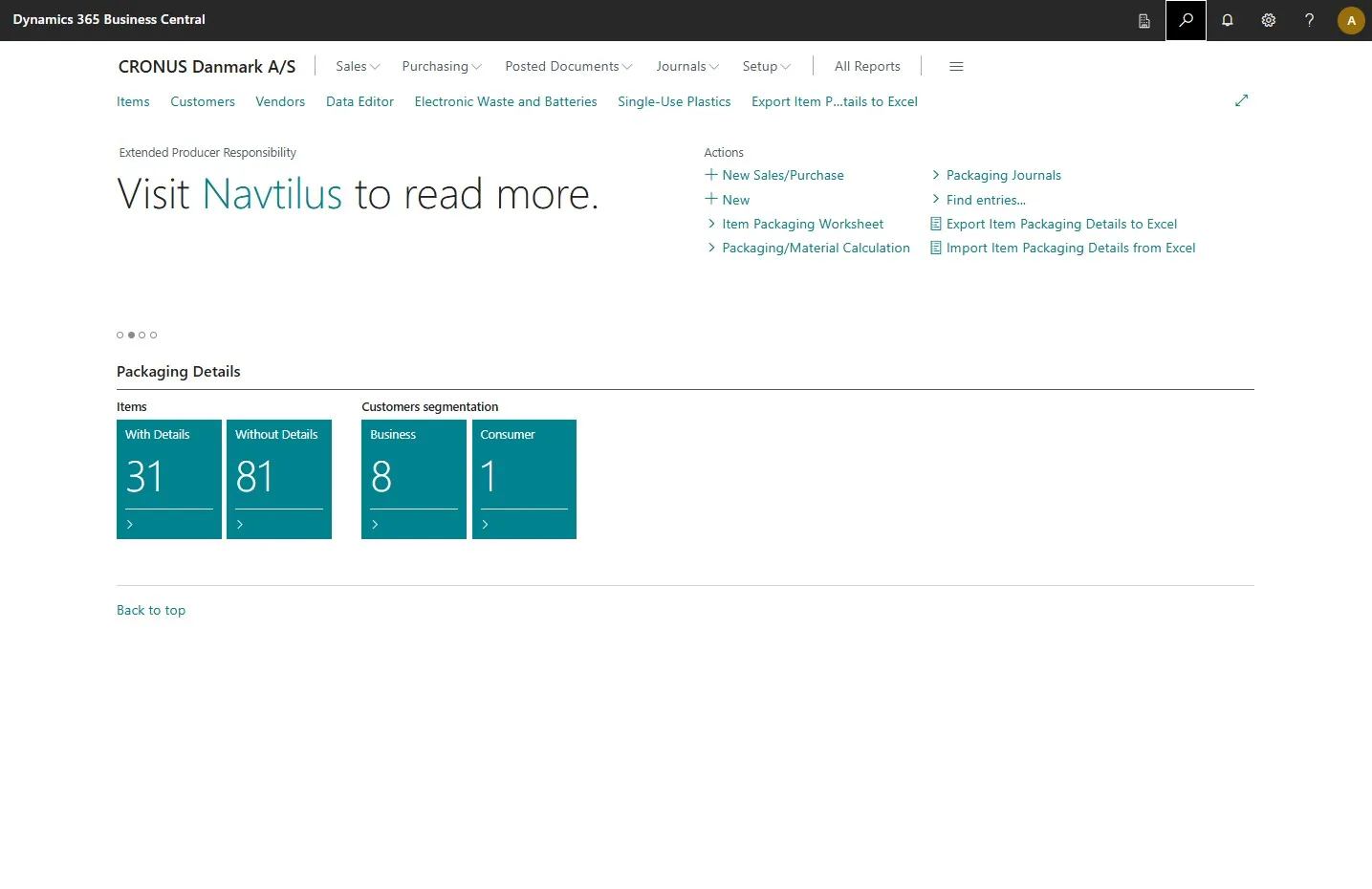
Open the search field by clicking the search icon at the top right corner or by pressing ALT + Q on your keyboard.
-
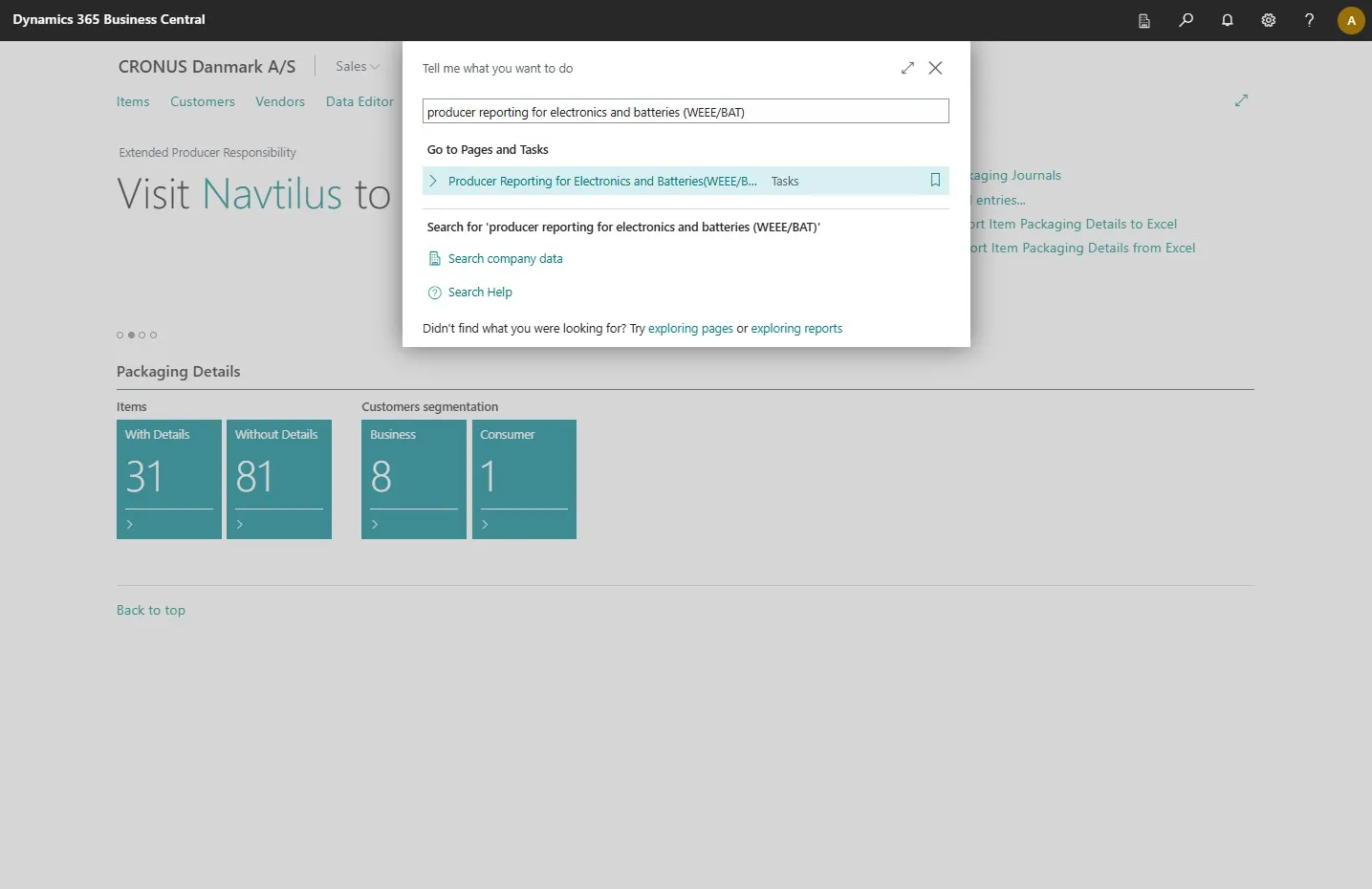
Type in “producer reporting for electronics and batteries (WEEE/BAT)”
-
Select the related link.
-
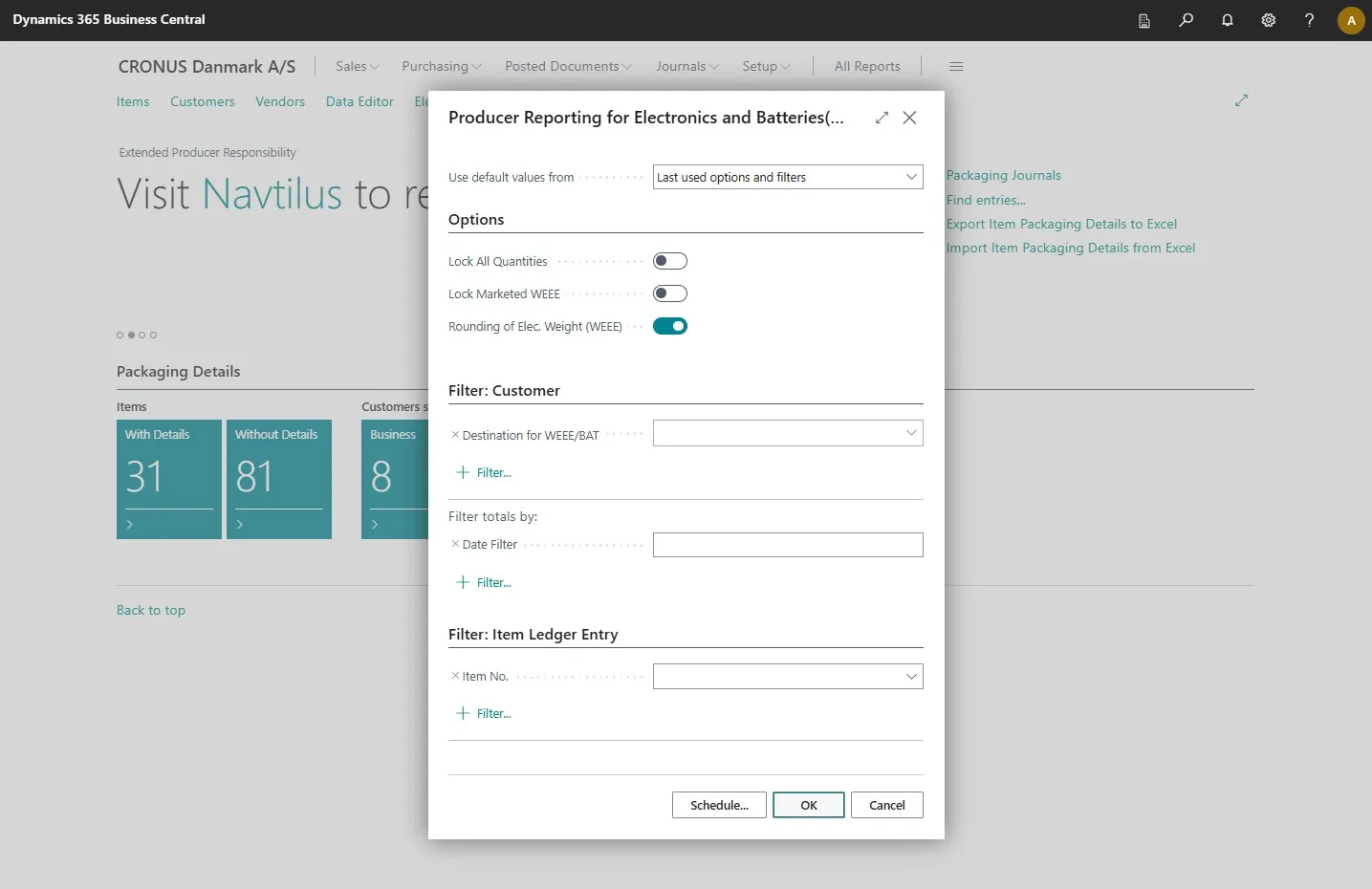
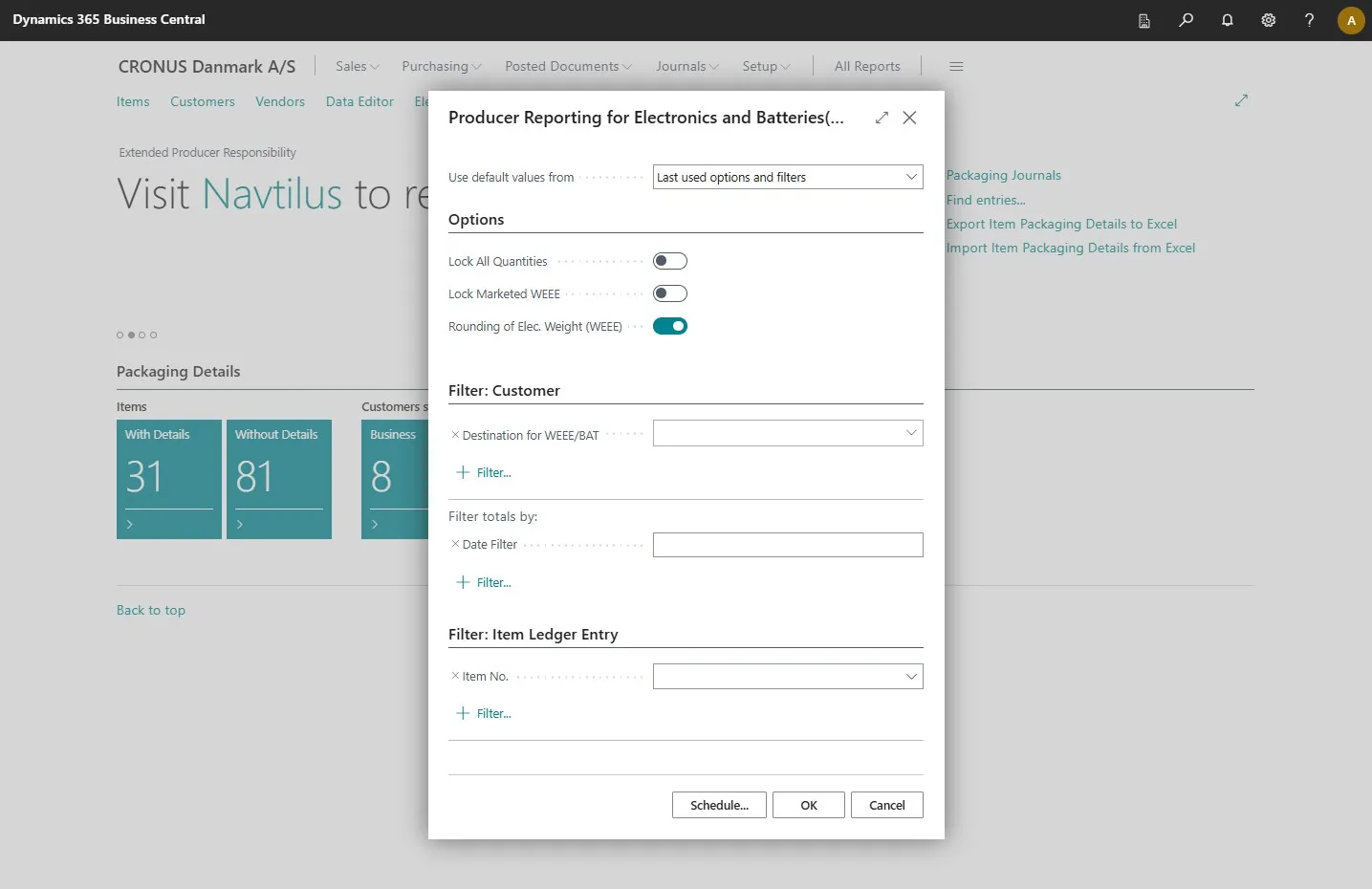
This opens a page where you can add filters and create your report.
-
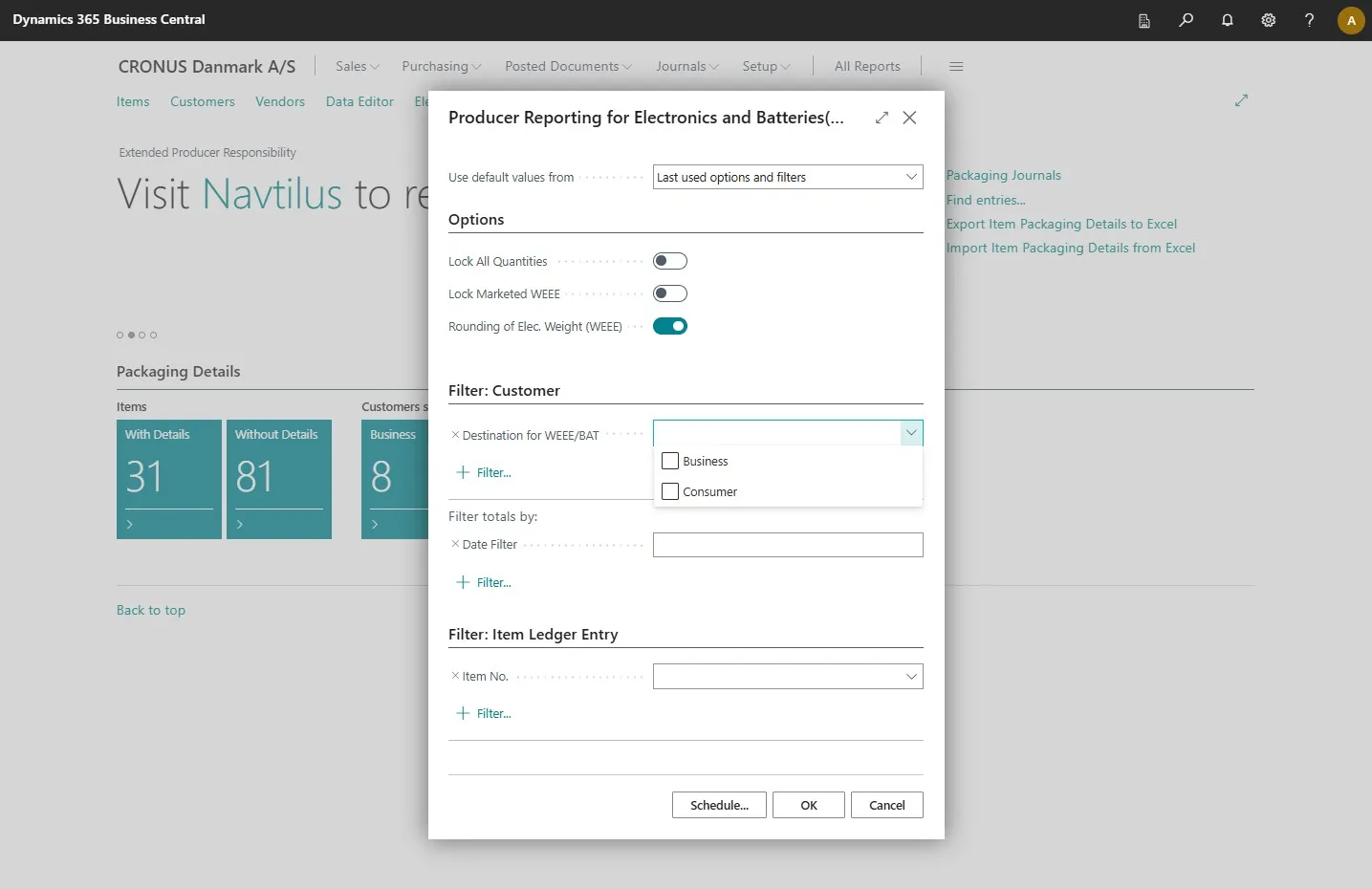
Select the destinations for the products.
-
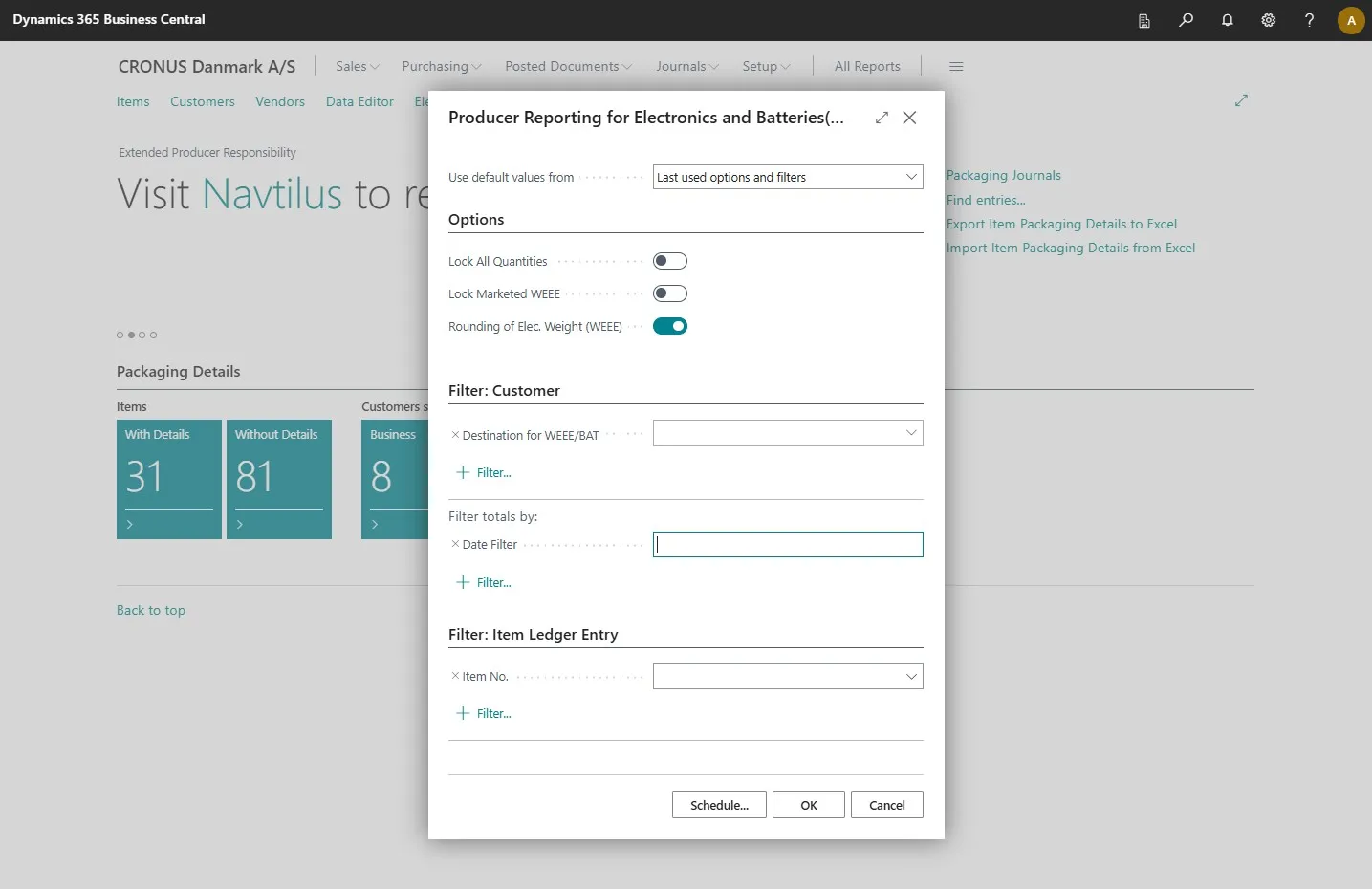
Select a date.
-
Once you have added all the filters you want, click “OK” to create an Excel report.