

Download an invoice from Microsoft 365 Admin Center
This guide shows how you can access and find invoices as PDF files from Microsoft.
Note: To complete this guide, you need a user with Global admin permissions or another admin role with access to view billing.
-
Log in to Microsoft 365 Admin Center
-
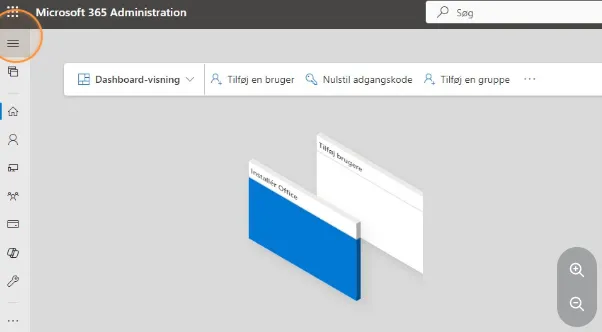
If the menu on the left side is not expanded, you can click on the three horizontal lines.
-
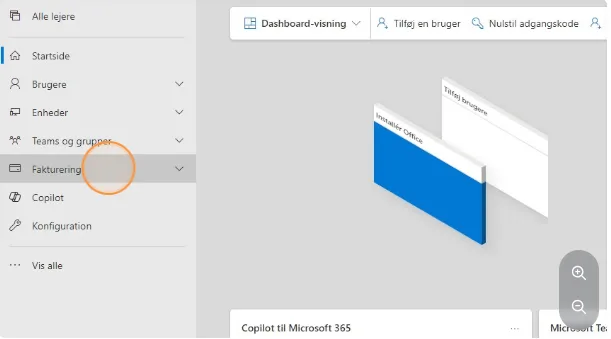
When the menu is expanded, find “Billing” and click on it.
-
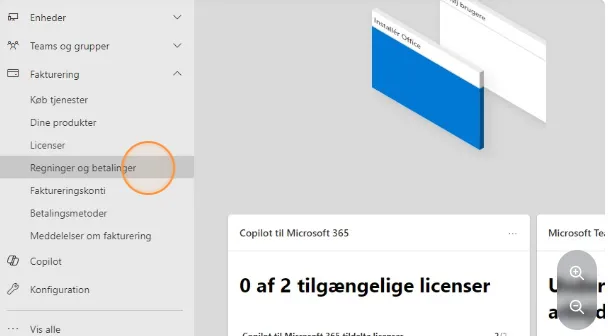
Then go down the list and find “Bills & payments”.
-
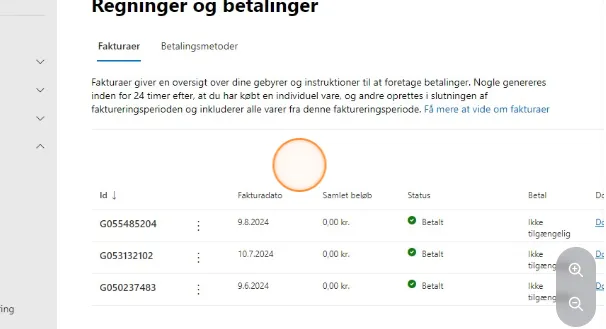
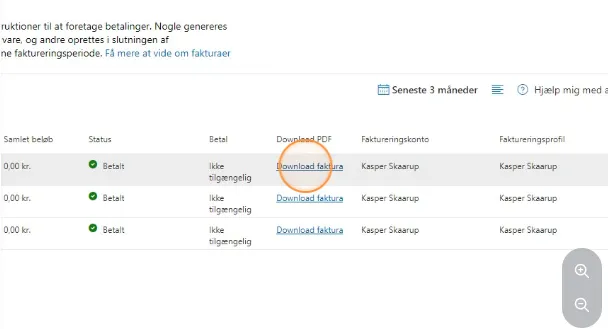
Here you can see a list of the invoices you have from Microsoft and AppSource.
-
Find the invoice you want to view and click on “Download invoice”.
-
Once this is done, you can find your invoice as a PDF file in your downloads folder on your PC.