

Installing the app in your Business Central
This guide shows how you can install the app in your Business Central.
-
Open your Business Central
-
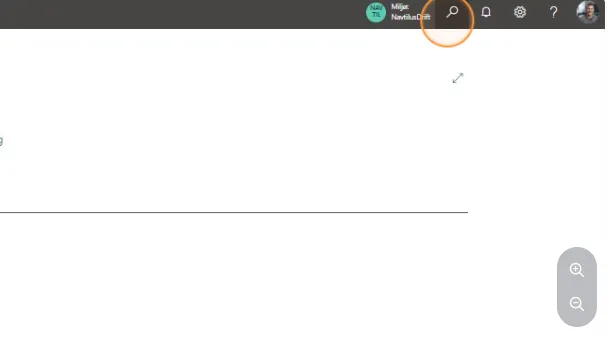
Use the search field by clicking on the magnifying glass or by using the shortcut ALT + Q
-
Search for “extension management” and select the related link.
-
Then click on “AppSource gallery”.
-
Search for “Navtilus”.
-
Click on the solution you want to install.
-
Then click on “install” at the top of the window.